ISO 9001:2015 certified industrial automation spare parts supplier

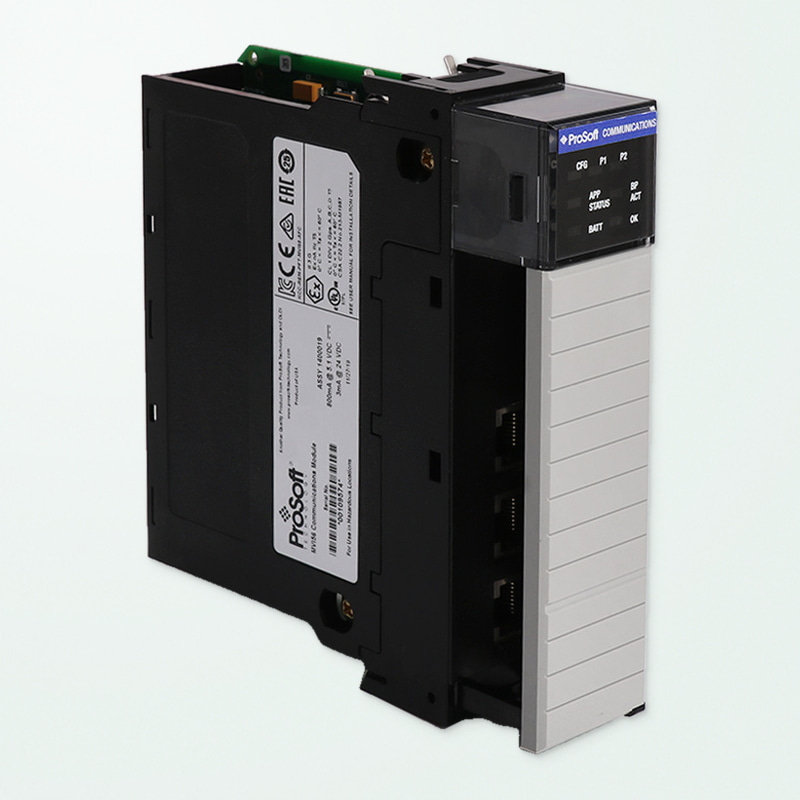
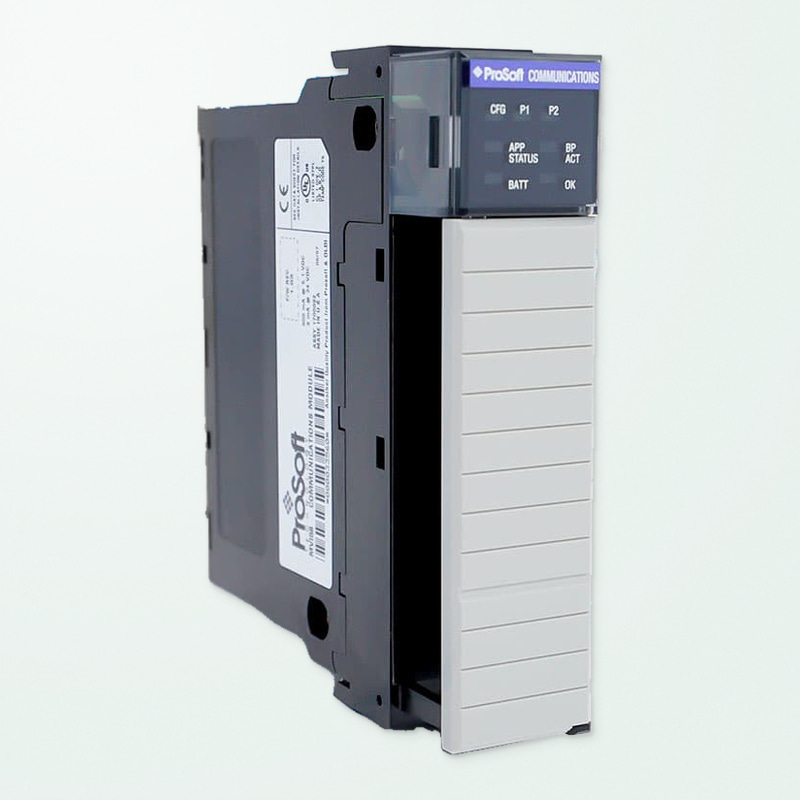
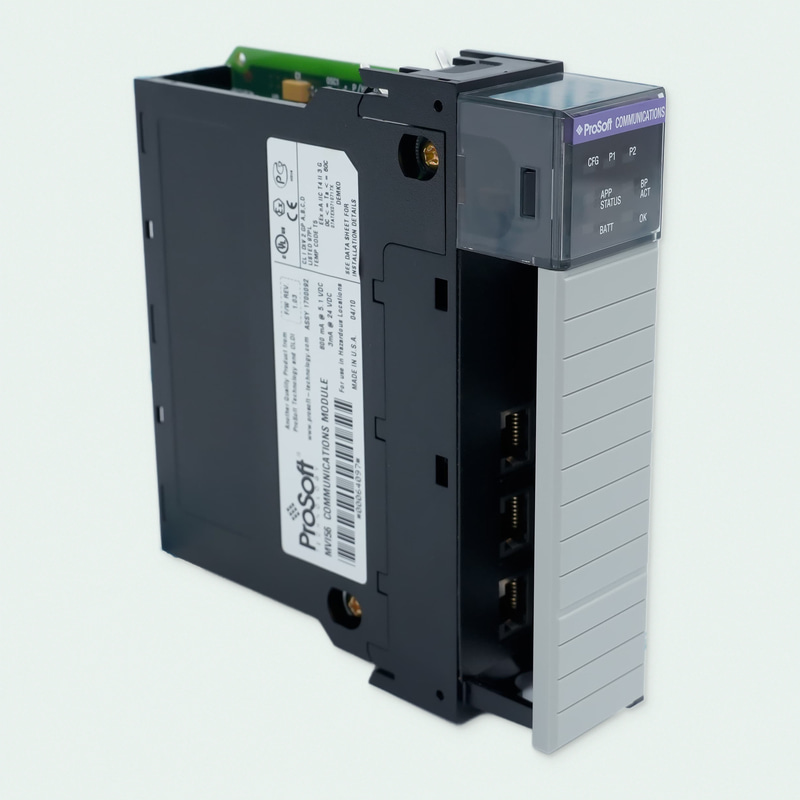
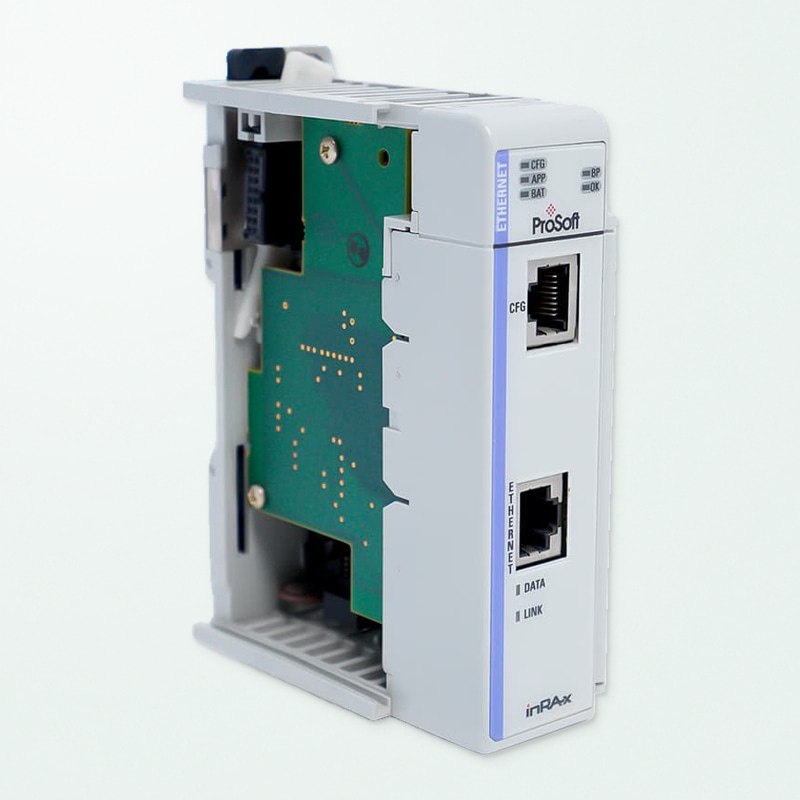
ProSoft PLX31-EIP-MBS4 EtherNet/IP to Four-Port Modbus Serial Gateway

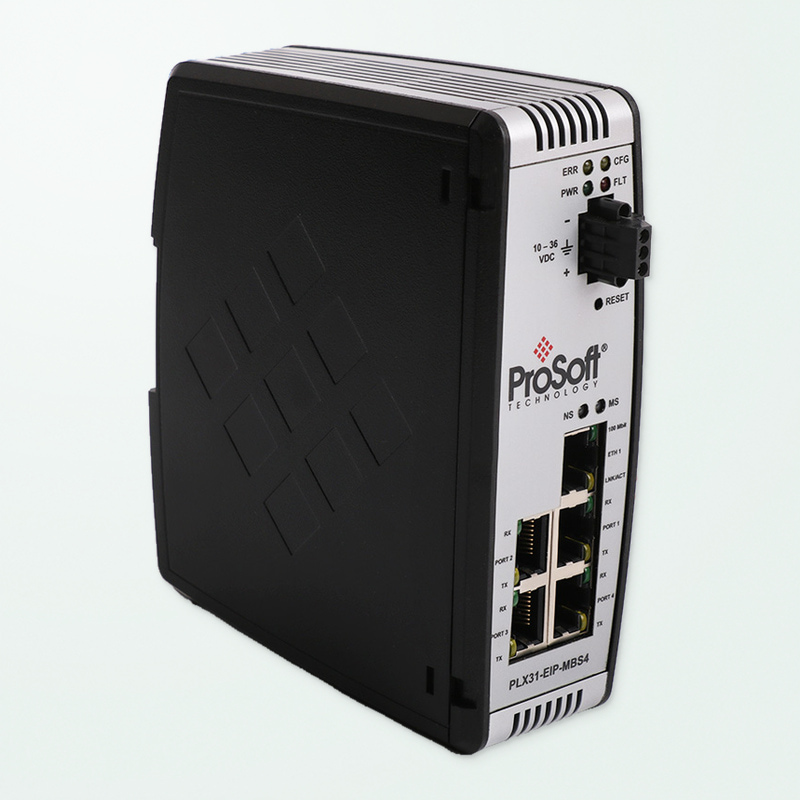
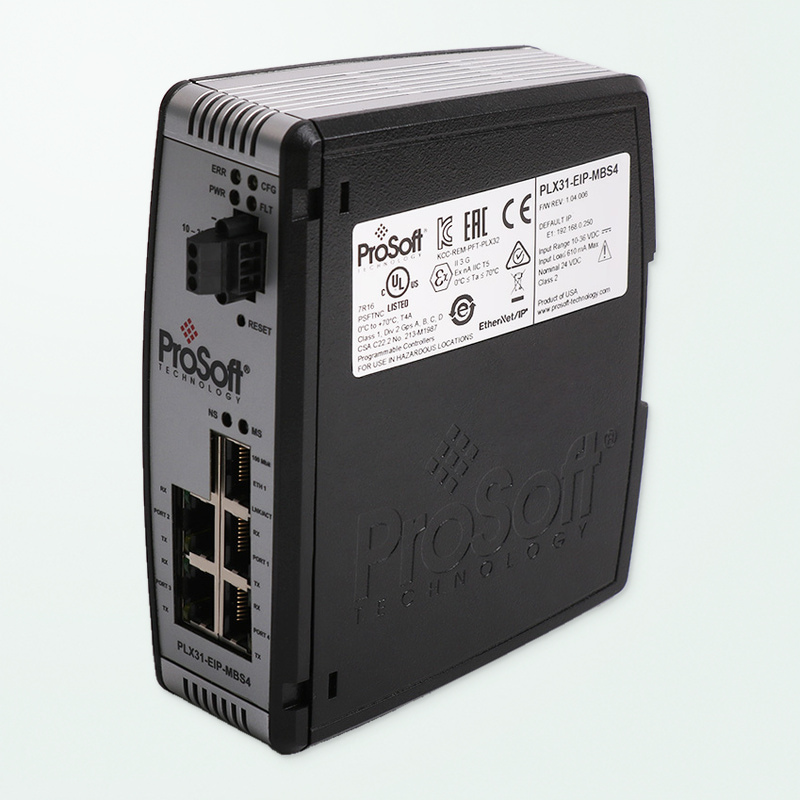
ProSoft Technology PLX31-EIP-MBS4 bridges EtherNet/IP controller data and four independent Modbus serial networks.

Version check: Match the four-port PLX31-EIP-MBS4, serial interface modes, I/O connection sizes and installed firmware; retain the matching ProSoft Configuration Builder configuration.
Download
  • ProSoft PLX31-EIP-MBS4 EtherNet/IP to Four-Port Modbus Serial Gateway

    ProSoft Technology PLX31-EIP-MBS4 bridges EtherNet/IP controller data and four independent Modbus serial networks. It enables bidirectional data exchange between EtherNet/IP PACs and Modbus devices such as power monitors, instruments and supervisory systems. The gateway processes the protocol transactions in its own database, allowing each serial port to serve a separate device group with its own configuration. Multiple EtherNet/IP I/O connections support different update rates for process and status data.

    Hardware specifications. The DIN-rail gateway has one 10/100Base-T Ethernet port and four RS-232/RS-422/RS-485 serial ports. It accepts 10–36 V DC, with a nominal current of 300 mA at 24 V DC and a maximum of 610 mA. The internal database contains 10,000 registers; the enclosure measures 136.7 × 50.5 × 111.3 mm and operates from −25 to 70 °C.

    System compatibility. ProSoft Configuration Builder configures the gateway, and its embedded EDS Add-On Profile supports EtherNet/IP integration. The EtherNet/IP adapter supports eight Class 1 I/O connections, each with up to 248 input and 248 output words. Each Modbus master port supports up to 100 commands, while independently selected master/slave settings accommodate different serial applications.

    Technical Specifications

    Parameter Specification

    Product Identity

    Manufacturer ProSoft Technology
    Model PLX31-EIP-MBS4
    Dimensions 136.7 × 50.5 × 111.3 mm

    Functional Configuration

    Protocol conversion EtherNet/IP ↔ Modbus Serial
    Ethernet 1 × 10/100Base-T
    Serial ports 4 × RS-232 / RS-422 / RS-485

    Performance & Power

    Supply 10–36 V DC
    Current at 24 V DC 300 mA nominal; 610 mA maximum
    Database 10,000 registers
    Master commands Up to 100 per serial port

    Environment

    Operating temperature −25 to +70 °C
    Storage temperature −40 to +80 °C

    Compatibility & Selection Guide

    EtherNet/IP integration. PLX31-EIP-MBS4 operates as an EtherNet/IP adapter. Its embedded EDS Add-On Profile supports controller integration. It supports up to eight Class 1 I/O connections with up to 248 input and 248 output words per connection.

    Four independent serial networks. Set the Modbus master or slave role and RS-232, RS-422 or RS-485 interface for each serial port. Each master port can use a separate list of up to 100 commands.

    Wiring & Installation Reference

    PLX31-EIP-MBS4 mounting and connection reference.

    Power and serial wiring

    Supply: Use 10–36 V DC and the marked power-terminal polarity.

    Serial: Configure each port for the connected RS-232, RS-422 or RS-485 network. The RS-485 diagram identifies the two-wire signal pair.

    View terminal diagram (PDF)

    DIN-rail mounting

    1. Hook onto the rail

      Position the gateway at a slight angle and engage the upper rear lip.

    2. Rotate and secure

      Press the gateway flush against the rail until the locking tab engages.

    3. Verify the latch

      Ensure the lower locking tab holds the gateway securely before making connections.

    View mounting diagram

    Power and handling precautions

    • Disconnect power before wiring and observe the installation location’s electrical safety requirements.

    • Keep serial and Ethernet connections assigned to their intended interfaces.

    Frequently Asked Questions

    Why can PLX31-EIP-MBS4 load a different configuration after its SD card is removed?

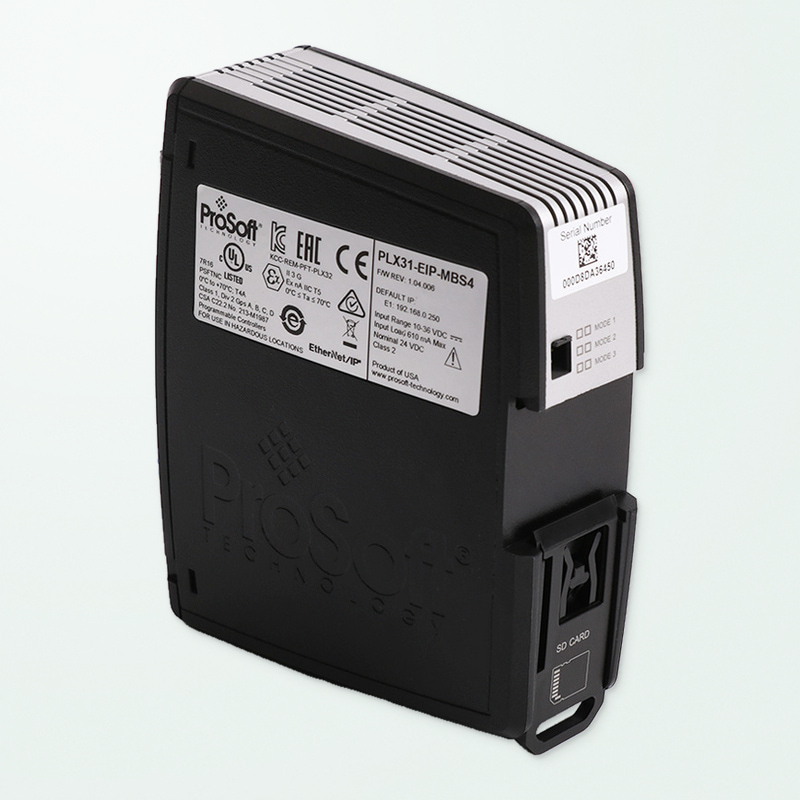
    With an SD card installed, downloaded configuration is stored on the card and is not copied automatically to internal memory. Without the card, the gateway starts from its internal configuration, or factory settings if none is stored internally.

    Does inserting a blank SD card automatically back up PLX31-EIP-MBS4?

    No. Download the configuration while the blank card is installed to write it to that card. Simply inserting a blank card does not copy the active internal configuration.

    Why can PLX31-EIP-MBS4 reject configuration uploads and downloads?

    MODE 3 enables the gateway’s configuration security setting, which blocks ProSoft Configuration Builder uploads/downloads and web-based firmware updates. The explicit PCB security message is supported with PCB 4.4.15 or later and applicable gateway firmware 1.04.

    How can PLX31-EIP-MBS4 group scattered data for an EtherNet/IP transfer?

    Use the internal data map to copy selected ranges into a contiguous area. Up to 200 map commands are available, with up to 100 registers per command. Byte/word swap options can adapt the copied data representation.

    Which PLX31-EIP-MBS4 setting helps a slow serial device avoid premature RTU frame termination?

    RTU End of Message Delay adds a configurable delay to the normal 3.5-character silent interval. It accepts 0–65,535 ms and applies to RTU framing on that serial port.

    Can PLX31-EIP-MBS4 transmit a write only when its value changes?

    Yes. Command Enable value 2 selects write-on-change operation for Modbus functions 5, 6, 15 and 16. The command is issued when the associated internal database value changes.

    How can PLX31-EIP-MBS4 clear a trigger bit after building a Modbus write?

    For functions 5 and 15, Command Enable value 3 performs bit-level write-on-change operation and clears the associated internal bits after constructing the command. This provides a self-clearing trigger in the gateway database.

    How can PLX31-EIP-MBS4 serial diagnostics distinguish transmitted and received bytes?

    In the Data Analyzer, angle brackets identify transmitted data and square brackets identify received data. The displayed records allow request and response traffic to be separated while diagnosing a serial transaction.

    Manufacturer Documentation

    PLX31-EIP-MBS4 Product Reference

    Product photograph and technical summary, followed by selected manufacturer pages covering mounting and connections.

    PDF · 4 pages · 122.1 KB · Compiled by EWOLO CONTROL. August 25, 2026. Selected manufacturer pages retained.

    Preview Product Reference (PDF)

    Order & Service Support

    EWOLO CONTROL is an independent supplier of industrial automation spare parts. See About Us for our company background and Company Qualifications for the published ISO 9001:2015 certificate and supplier assessment records.

    01

    Discontinued & Hard-to-Find Parts

    We source DCS, PLC and TSI spares for maintenance and replacement.

    02

    Order & Payment Confirmation

    Pay by bank transfer before dispatch, unless agreed otherwise in writing.

    03

    Pre-Dispatch Verification

    Model, quantity and visible condition are checked against your order.

    04

    Protective Packaging

    Packaging is selected for the product and agreed shipping method.

    05

    Global Shipping & Tracking

    DHL, FedEx, UPS or an agreed carrier. Tracking follows collection.

    06

    Order Documentation

    Commercial invoice and packing list supplied. Agree extra documents before ordering.

    07

    12-Month Warranty

    Eligible items: 12-month return-to-base warranty from dispatch, per quotation.

    08

    After-Sales Support

    Send fault details and photos. Returns need prior written approval.

    REQUEST A QUOTE

    ProSoft Technology PLX31-EIP-MBS4

    Include the part number, required quantity and destination in your enquiry. Add the required hardware series or firmware revision, if applicable.

    Request a Quote   →

    Confirm the offered unit's condition, quantity, included accessories and dispatch time in the quotation.

Send your requirement

Fields marked * are required.

No online payment is requested. Final price and terms are supplied in a written quotation.

leave a message

No online payment is requested. Final price and terms are supplied in a written quotation.