ISO 9001:2015 certified industrial automation spare parts supplier

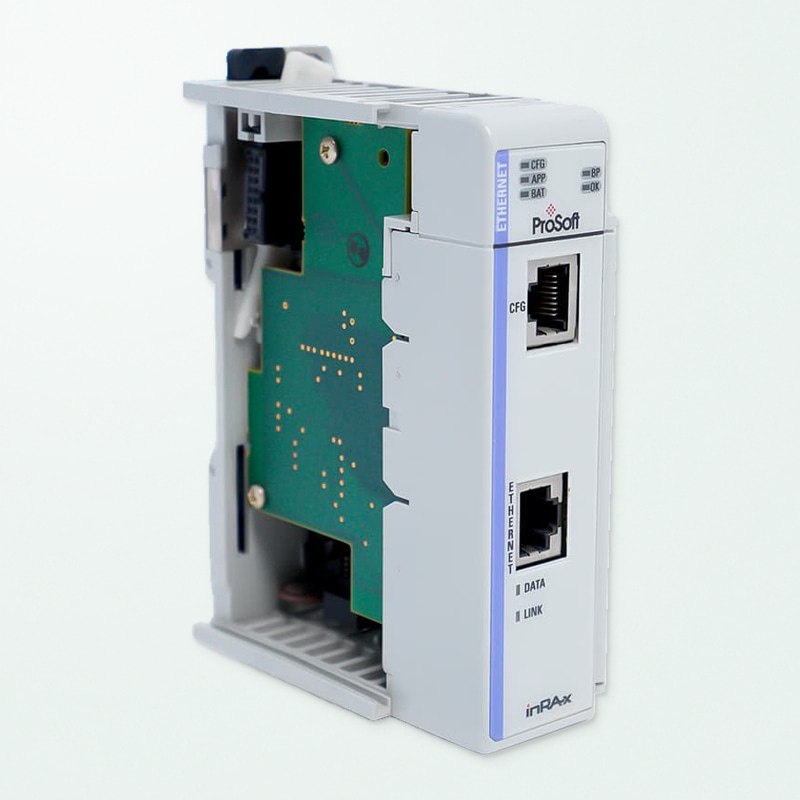
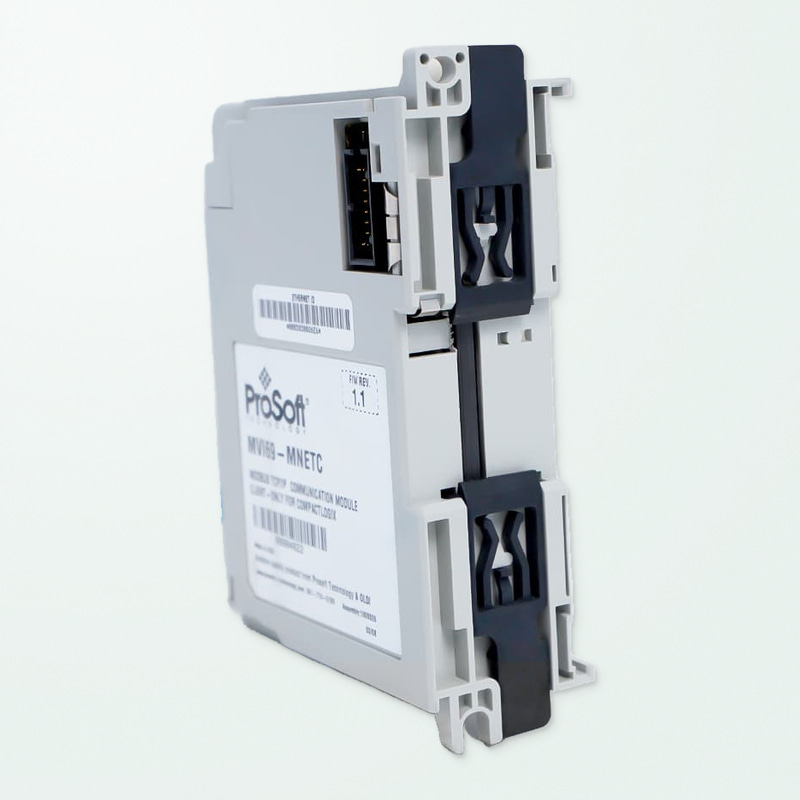
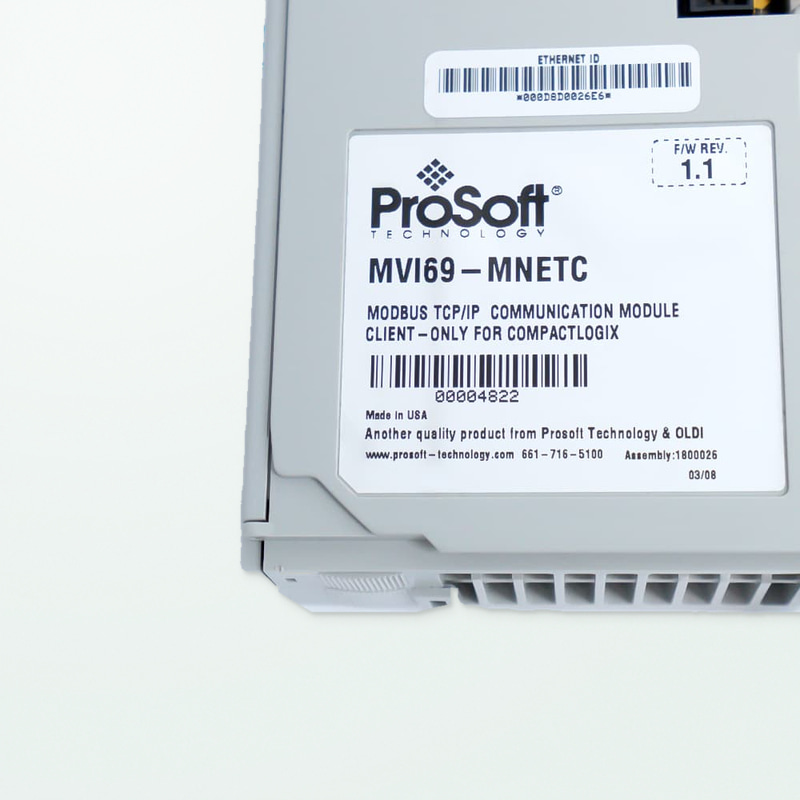
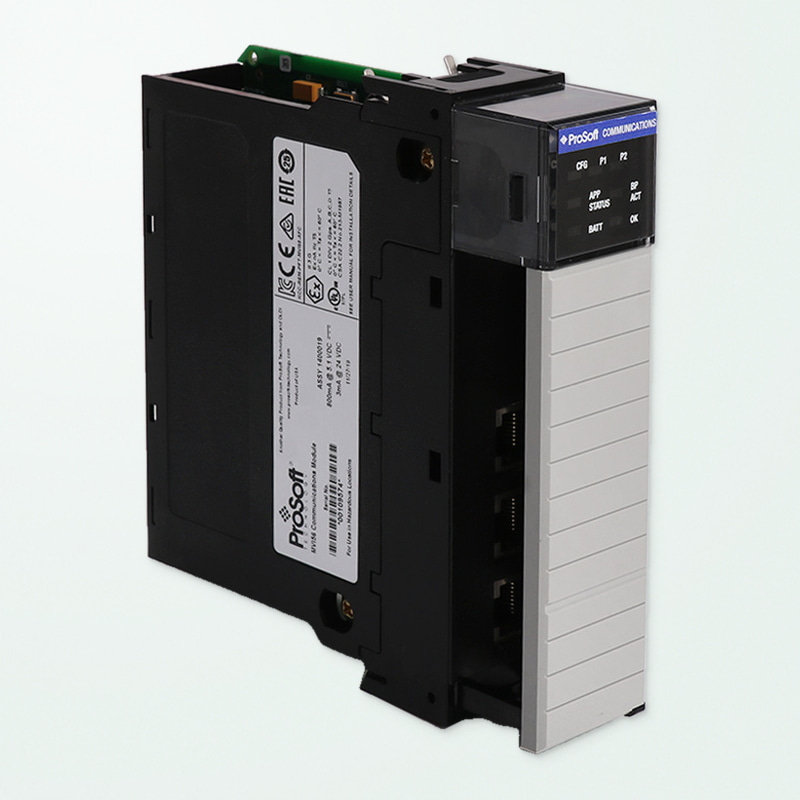
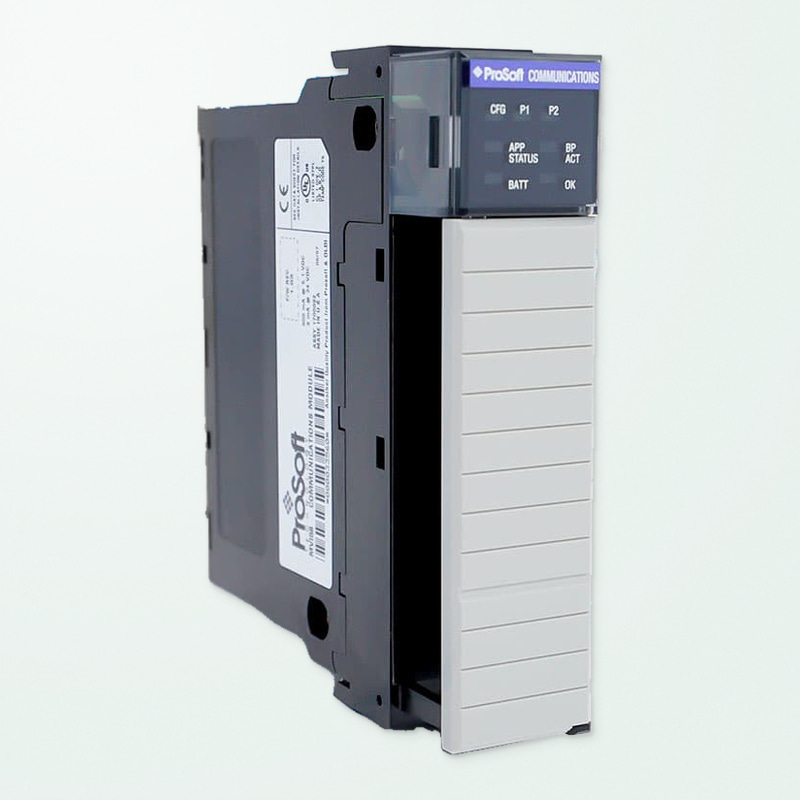
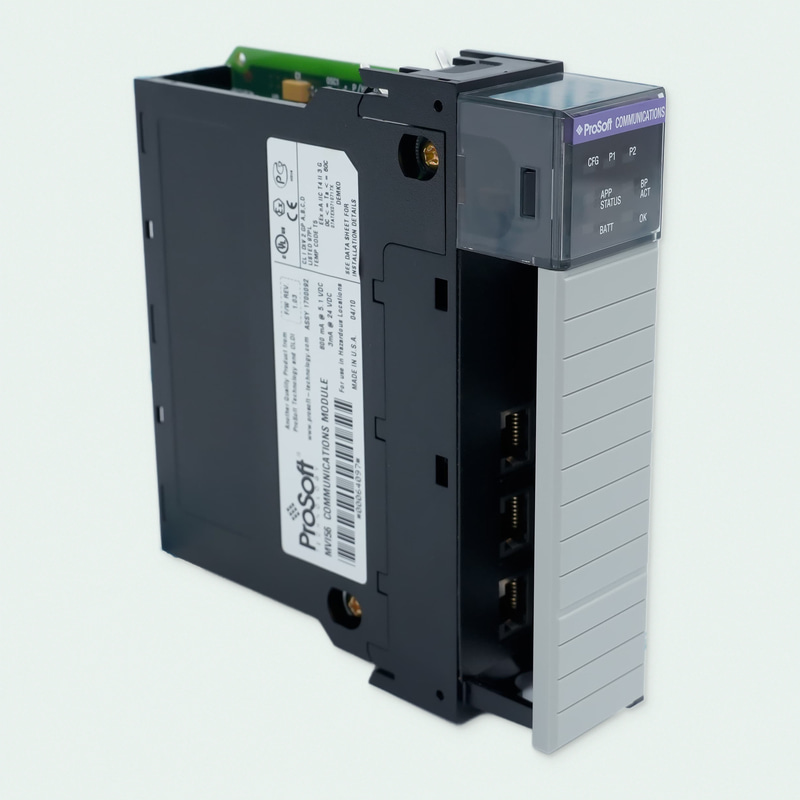
ProSoft MVI69-MNETC Modbus TCP/IP Multi-Client Communication Module

ProSoft Technology MVI69-MNETC connects a 1769-based controller application to multiple Modbus TCP/IP server devices.

Version check: Match MVI69-MNETC client-only operation, the 1769 controller program and power-supply distance; retain the installed firmware’s supported Ethernet options.
Download
  • ProSoft MVI69-MNETC Modbus TCP/IP Multi-Client Communication Module

    ProSoft Technology MVI69-MNETC connects a 1769-based controller application to multiple Modbus TCP/IP server devices. Its 30 independent clients can initiate concurrent communication sessions, distributing polling work across meters, instruments and other Modbus-enabled equipment. Each client has its own command list, while a shared register database transfers the collected data to the controller. This client-only design serves applications in which the PLC initiates read and write requests to several Ethernet devices.

    Hardware specifications. The single-slot module provides a 10/100Base-T Ethernet application port and an RS-232 configuration/debug port. Each of the 30 clients supports up to 16 commands. It draws 800 mA at 5 V DC and has a power-supply distance rating of two slots. The operating range is 0 to 60 °C, with 1,500 V rms Ethernet isolation.

    System compatibility. MVI69-MNETC is designed for the CompactLogix or MicroLogix 1769 platform and uses application ladder logic for controller data exchange. ProSoft Configuration Builder handles the module configuration. Client command lists define the target server, Modbus function, remote address and internal data location for each transaction.

    Technical Specifications

    Parameter Specification

    Product Identity

    Manufacturer ProSoft Technology
    Model MVI69-MNETC
    Platform CompactLogix / MicroLogix 1769 I/O

    Functional Configuration

    Protocol role Modbus TCP/IP client
    Independent clients 30
    Ethernet 10/100Base-T, RJ45
    Configuration port RS-232, RJ45

    Performance & Power

    Commands per client Up to 16
    Backplane current 800 mA at 5 V DC
    Power-supply distance 2 slots

    Environment

    Operating temperature 0 to +60 °C
    Storage temperature −40 to +85 °C

    Compatibility & Selection Guide

    1769 controller integration. MVI69-MNETC fits a CompactLogix or MicroLogix 1769 system. It must be within two slots of the power supply. Use the controller's module-specific ladder logic for data exchange and ProSoft Configuration Builder for client settings.

    Modbus server selection. Select this module when the 1769 application initiates Modbus TCP/IP transactions to server devices. Client command entries identify the server, function, remote address and internal destination or source.

    Wiring & Installation Reference

    MVI69-MNETC mounting and connection reference.

    Ethernet connection

    Network: Connect the port marked Ethernet to a non-PoE switch or hub. Assign a unique static IP address, subnet and any required gateway.

    Configuration: The other RJ45 connection is the RS-232 configuration/debug port.

    View connection reference (PDF)

    1769 mounting

    1. Remove power

      The module is not hot-swappable.

    2. Align the bus

      Engage the upper and lower tongue-and-groove guides and align the adjacent bus connectors.

    3. Lock the module

      Move the bus lever fully left until it clicks and close the DIN-rail latches. Keep within the two-slot power-supply distance rating.

    View mounting diagram

    Power and handling precautions

    • Never connect the Ethernet port to a network that supplies AC or DC power over the Ethernet cable.

    • Remove rack power before inserting or removing this module.

    Frequently Asked Questions

    Why can MVI69-MNETC stop communicating after a server is replaced at the same IP address?

    An enabled static ARP entry may still contain the previous server’s MAC address. Update that IP-to-MAC entry and download the configuration. The static ARP table supports up to 40 entries.

    Can MVI69-MNETC use MBAP framing on a TCP port other than 502?

    Yes, on firmware 1.05 or later: set MBAP Port Override to Yes. With the default No setting, port 502 uses MBAP and other ports use encapsulated Modbus framing.

    When should Float Flag be enabled on MVI69-MNETC?

    Enable it when the server counts one register address as one 32-bit floating-point value. Keep it disabled for conventional Modbus devices that represent a 32-bit value with two 16-bit register addresses. Float Start and Float Offset define the affected mapping.

    How can MVI69-MNETC start with controller-supplied output values?

    Set Initialize Output Data to 1 and implement the required initialization ladder transfer. A setting of 0 initializes the module output data to zero.

    What distinguishes MVI69-MNETC error −33 from error −36?

    Error −33 indicates that the TCP connection could not be established. Error −36 indicates a response timeout after the request. Error −37 indicates that the TCP connection ended before the transaction completed.

    How can MVI69-MNETC command errors be made visible to the PLC?

    Set the client command-error pointer to a non-overlapping database range that is transferred in the controller’s read-data area. A pointer value of −1 disables that client’s command-error list.

    What MVI69-MNETC poll-interval value represents one second?

    Set Poll Interval to 10. The command setting is measured in tenths of a second, so 5 represents 0.5 seconds and 20 represents 2 seconds.

    Does MVI69-MNETC minimum command delay also delay retries?

    No. MinCommandDelay applies to initial command execution. ResponseTimeout and RetryCount control retries; RetryCount accepts 0–10, while the timeout and minimum-delay settings use milliseconds.

    Manufacturer Documentation

    MVI69-MNETC Product Reference

    Product photograph and technical summary, followed by selected manufacturer pages covering mounting and connections.

    PDF · 5 pages · 87.3 KB · Compiled by EWOLO CONTROL. November 11, 2010. Selected manufacturer pages retained.

    Preview Product Reference (PDF)

    Order & Service Support

    EWOLO CONTROL is an independent supplier of industrial automation spare parts. See About Us for our company background and Company Qualifications for the published ISO 9001:2015 certificate and supplier assessment records.

    01

    Discontinued & Hard-to-Find Parts

    We source DCS, PLC and TSI spares for maintenance and replacement.

    02

    Order & Payment Confirmation

    Pay by bank transfer before dispatch, unless agreed otherwise in writing.

    03

    Pre-Dispatch Verification

    Model, quantity and visible condition are checked against your order.

    04

    Protective Packaging

    Packaging is selected for the product and agreed shipping method.

    05

    Global Shipping & Tracking

    DHL, FedEx, UPS or an agreed carrier. Tracking follows collection.

    06

    Order Documentation

    Commercial invoice and packing list supplied. Agree extra documents before ordering.

    07

    12-Month Warranty

    Eligible items: 12-month return-to-base warranty from dispatch, per quotation.

    08

    After-Sales Support

    Send fault details and photos. Returns need prior written approval.

    REQUEST A QUOTE

    ProSoft Technology MVI69-MNETC

    Include the part number, required quantity and destination in your enquiry. Add the required hardware series or firmware revision, if applicable.

    Request a Quote   →

    Confirm the offered unit's condition, quantity, included accessories and dispatch time in the quotation.

Send your requirement

Fields marked * are required.

No online payment is requested. Final price and terms are supplied in a written quotation.

leave a message

No online payment is requested. Final price and terms are supplied in a written quotation.