ISO 9001:2015 certified industrial automation spare parts supplier

ProSoft MVI56-DFCMR DF1 Reduced Data Block Interface Module

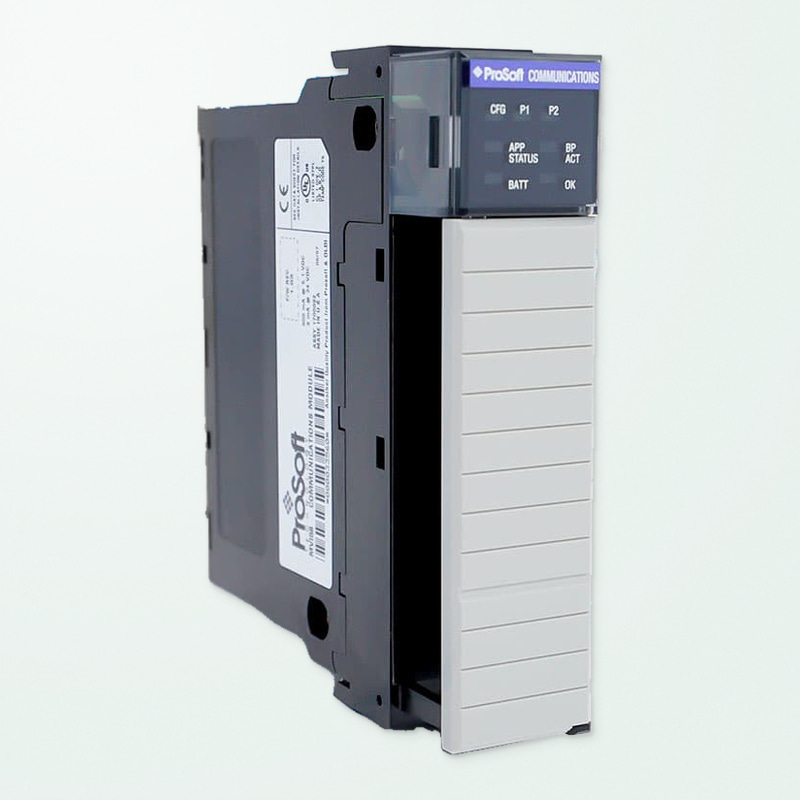
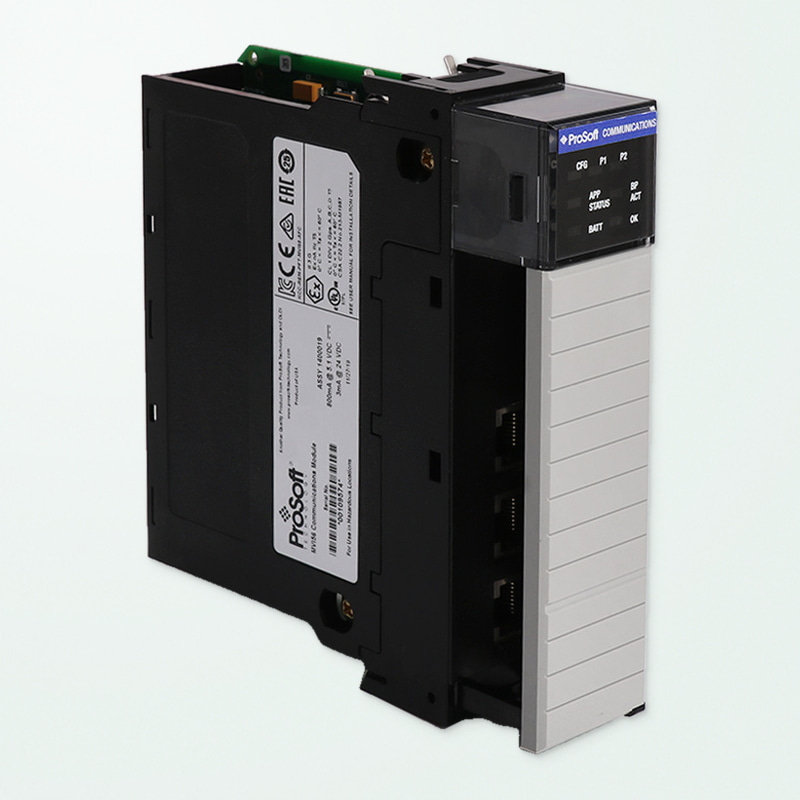
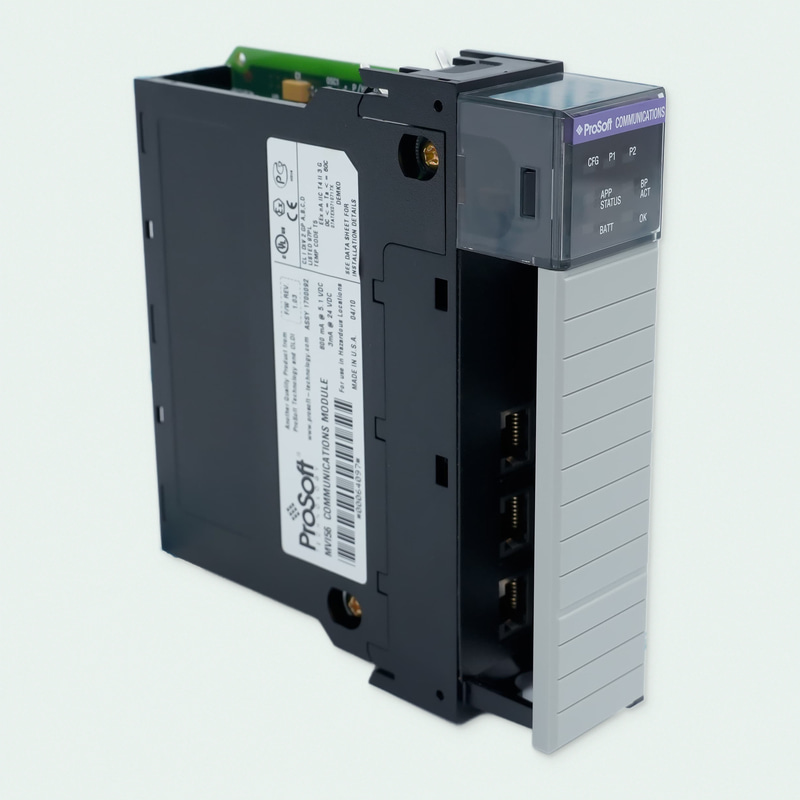
ProSoft Technology MVI56-DFCMR is a DF1 interface module for ControlLogix applications that use reduced backplane data transfers, including remote racks connected over ControlNet or Ethernet.

Version check: Retain the MVI56-DFCMR reduced-block controller data structures and transfer logic; match each port’s DF1 mode, device address and file mapping.
Download
  • ProSoft MVI56-DFCMR DF1 Reduced Data Block Interface Module

    ProSoft Technology MVI56-DFCMR is a DF1 interface module for ControlLogix applications that use reduced backplane data transfers, including remote racks connected over ControlNet or Ethernet. Its two serial ports independently exchange data as DF1 masters or slaves, bridging the controller application to compatible serial controllers and field equipment. A shared internal database separates serial transactions from controller data exchange, while command queues support application-triggered traffic alongside cyclic polling.

    Hardware specifications. The single-slot module provides two jumper-selectable RS-232/RS-422/RS-485 application ports and a separate RS-232 configuration/debug port. It has a 5,000-word database, a master list of up to 100 commands per port and 500 V optical isolation from the backplane. The 5 V backplane current requirement is 800 mA.

    System compatibility. MVI56-DFCMR uses its own ControlLogix data structures and ladder logic for reduced-block transfers. Each serial port supports DF1 full-duplex or half-duplex operation with CRC or BCC checking. The master command set includes PLC-5 binary commands, while slave operation exposes mapped DF1 file data to the connected master.

    Technical Specifications

    Parameter Specification

    Product Identity

    Manufacturer ProSoft Technology
    Model MVI56-DFCMR
    Platform ControlLogix / 1756 backplane

    Functional Configuration

    Module function DF1 interface with reduced data block
    Serial modes DF1 half/full duplex; master/slave
    Application ports 2; RS-232 / RS-422 / RS-485
    Configuration port RS-232, RJ45

    Performance & Power

    Database 5,000 words
    Commands Up to 100 per master port
    Backplane current 800 mA at 5 V DC

    Environment

    Operating temperature 0 to +60 °C
    Storage temperature −40 to +85 °C

    Compatibility & Selection Guide

    Reduced-block ControlLogix integration. MVI56-DFCMR can operate in a 1756 ControlLogix remote chassis connected over ControlNet or Ethernet. The ControlLogix project uses the DFCMR data structures and ladder routines for reduced-block transfers.

    Serial application selection. Configure each application port for the installed RS-232, RS-422 or RS-485 interface and the required DF1 half-duplex or full-duplex master/slave role. The RS-232 configuration port is separate.

    Wiring & Installation Reference

    MVI56-DFCMR mounting and connection reference.

    Serial connections

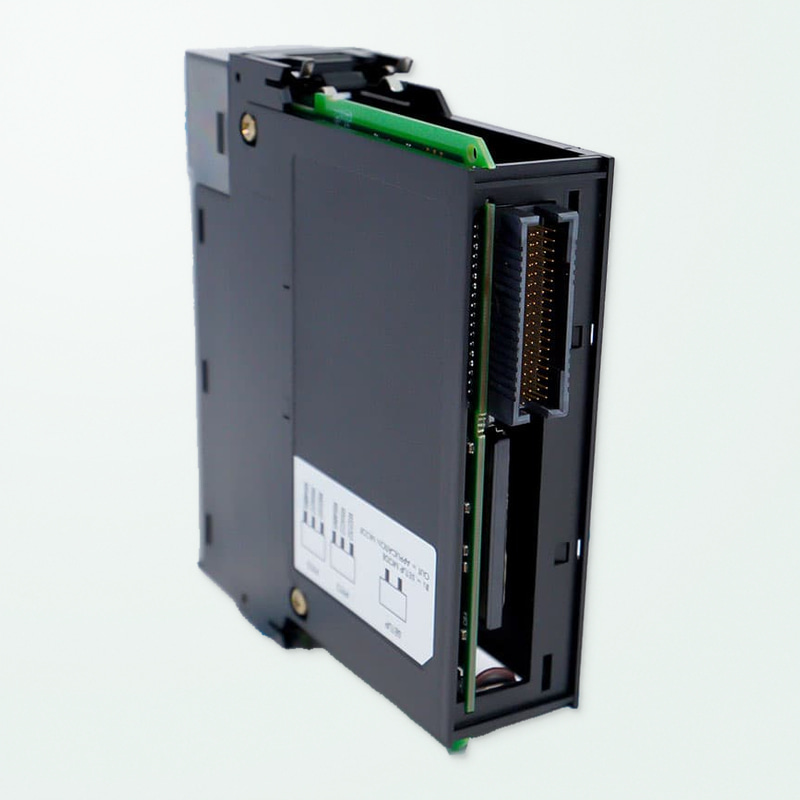
    Application ports: Set the hardware jumpers for the required RS-232, RS-422 or RS-485 interface before connecting P1/P2.

    Configuration port: Use the separate RS-232 configuration/debug connection; it is not an Ethernet port.

    View terminal diagram (PDF)

    Rack mounting

    1. Isolate power

      Turn off chassis power before installation.

    2. Insert the module

      Align the upper and lower guides and slide the module into the ControlLogix rack until the backplane connector is engaged.

    3. Secure and identify

      Engage both retaining clips and use the actual slot number in the controller project.

    View mounting diagram

    Power and handling precautions

    • Remove power or confirm a non-hazardous location before disconnecting equipment. Energized removal can cause an electrical arc.

    • Use the applicable serial pinout and interface jumpers; RJ45 connector shape alone does not define the interface.

    Frequently Asked Questions

    How should MVI56-DFCMR controller arrays be sized for backplane transfers?

    Use ReadRegCnt for the ReadData array length and WriteRegCnt for the WriteData array length. Transfers use 40-word pages, so register counts in multiples of 40 are recommended.

    How can MVI56-DFCMR run selected commands outside the normal polling cycle?

    Use blocks 5001–5006 for port 1 or 5101–5106 for port 2. Each block queues one to six existing command indices from 0–99. The per-port queue holds 100 commands and runs ahead of normal polling.

    Where does DF1 address N9:5 map in the default MVI56-DFCMR slave database?

    It maps to internal register 405. The default map allocates 200 words per file: N7 begins at register 0, N8 at 200 and N9 at 400. An enabled override map changes that default relationship.

    Does MVI56-DFCMR support PLC-5 ASCII-address master commands?

    No. PLC-5 ASCII-address command functions 150–152 are unsupported by the master driver. PLC-5 binary-address functions 100–102 are supported.

    Why does MVI56-DFCMR wait without transmitting when CTS control is enabled?

    With Use CTS Line enabled, the port waits for CTS to be asserted before transmitting. The attached modem or handshaking device must supply that signal; a connection without hardware handshaking requires the corresponding non-handshaking configuration or specified RTS-to-CTS jumper.

    How can MVI56-DFCMR retain a configuration changed by a remote master?

    Request block −9000 to transfer the module’s current configuration back to the processor. This provides the controller with the updated configuration for subsequent module initialization.

    How can MVI56-DFCMR expose individual command errors?

    Set CmdErrPtr to a valid database location from 0–4999 for the command-error list. A value of −1 disables the list. Reserve enough non-overlapping database space for the configured command entries.

    Which MVI56-DFCMR setting inserts a pause before successive master requests?

    MinCommandDelay inserts 0–65,535 ms before initial command transmissions. It does not impose that delay on retries; response timeout and retry settings control the handling of a request that receives no response.

    Manufacturer Documentation

    MVI56-DFCMR Product Reference

    Product photograph and technical summary, followed by selected manufacturer pages covering mounting and connections.

    PDF · 4 pages · 89.8 KB · Compiled by EWOLO CONTROL. October 20, 2008. Selected manufacturer pages retained.

    Preview Product Reference (PDF)

    Order & Service Support

    EWOLO CONTROL is an independent supplier of industrial automation spare parts. See About Us for our company background and Company Qualifications for the published ISO 9001:2015 certificate and supplier assessment records.

    01

    Discontinued & Hard-to-Find Parts

    We source DCS, PLC and TSI spares for maintenance and replacement.

    02

    Order & Payment Confirmation

    Pay by bank transfer before dispatch, unless agreed otherwise in writing.

    03

    Pre-Dispatch Verification

    Model, quantity and visible condition are checked against your order.

    04

    Protective Packaging

    Packaging is selected for the product and agreed shipping method.

    05

    Global Shipping & Tracking

    DHL, FedEx, UPS or an agreed carrier. Tracking follows collection.

    06

    Order Documentation

    Commercial invoice and packing list supplied. Agree extra documents before ordering.

    07

    12-Month Warranty

    Eligible items: 12-month return-to-base warranty from dispatch, per quotation.

    08

    After-Sales Support

    Send fault details and photos. Returns need prior written approval.

    REQUEST A QUOTE

    ProSoft Technology MVI56-DFCMR

    Include the part number, required quantity and destination in your enquiry. Add the required hardware series or firmware revision, if applicable.

    Request a Quote   →

    Confirm the offered unit's condition, quantity, included accessories and dispatch time in the quotation.

Send your requirement

Fields marked * are required.

No online payment is requested. Final price and terms are supplied in a written quotation.

leave a message

No online payment is requested. Final price and terms are supplied in a written quotation.