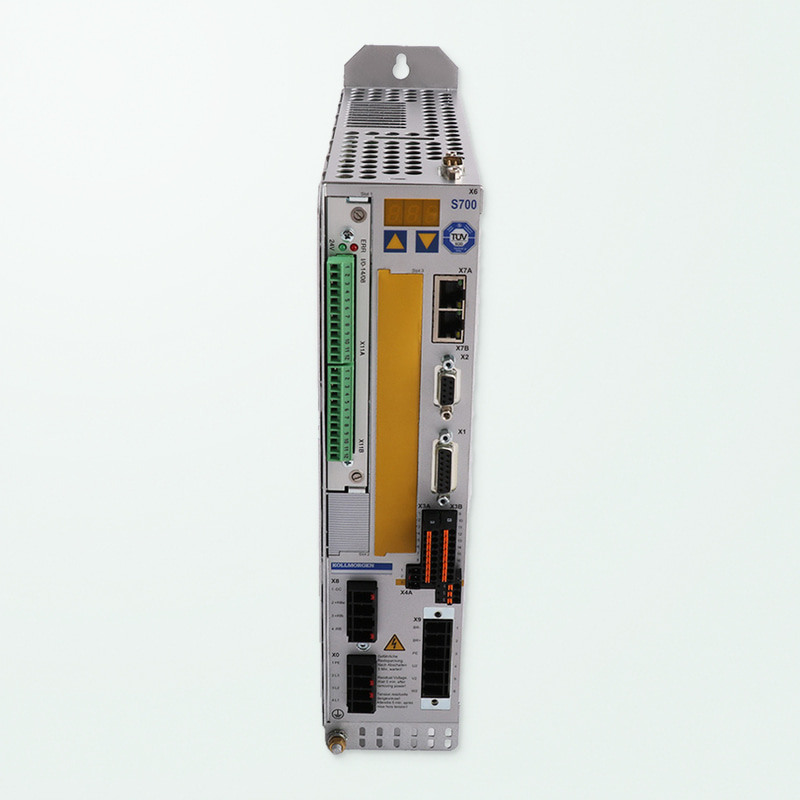
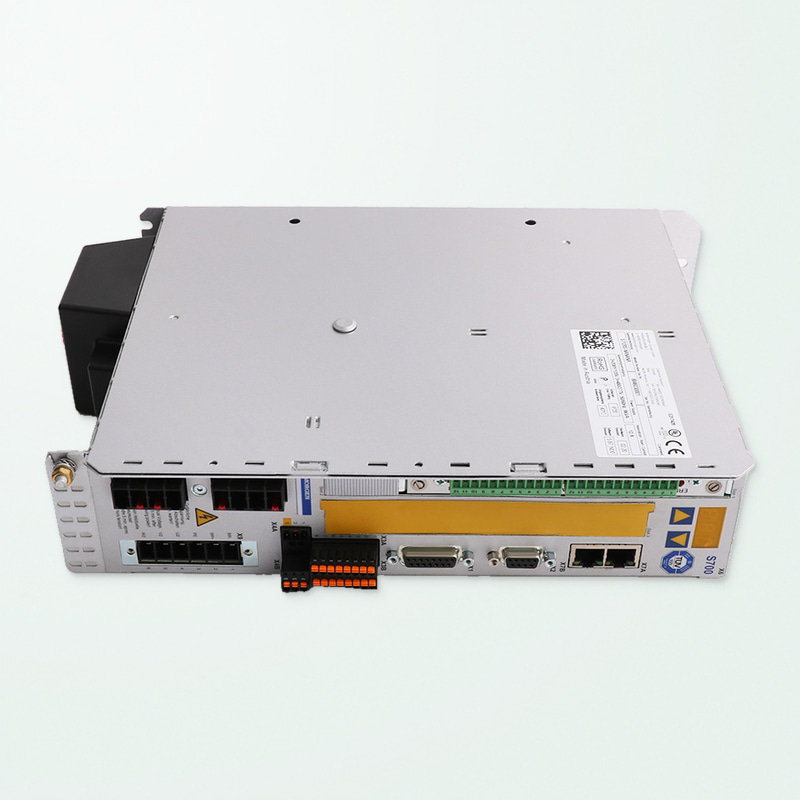
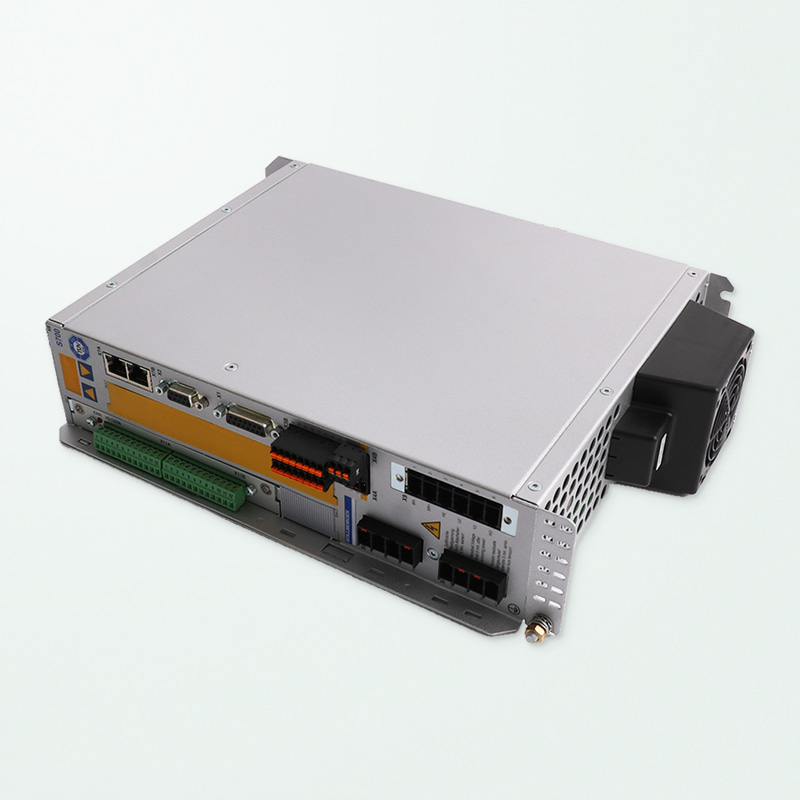
Kollmorgen S7120S-NANANA S700 Digital Servo Amplifier
Kollmorgen S7120S-NANANA is an S700 digital servo amplifier for controlled torque, speed and positioning of electric motors.
Version check: Match S7120S-NANANA, the 30 A peak-current S variant, motor/feedback data and firmware; retain the standard NANANA option configuration and dual-channel STO requirements.
Bank transfer before dispatch, unless agreed in writing.
Kollmorgen S7120S-NANANA S700 Digital Servo Amplifier
Kollmorgen S7120S-NANANA is an S700 digital servo amplifier for controlled torque, speed and positioning of electric motors. The standard configuration combines an internal brake resistor, onboard CANopen and EtherCAT communication, and dual-channel Safe Torque Off. Its onboard position controller and flexible feedback interfaces support coordinated machine-axis applications, while digital control loops process motor current, speed and position. The S7120S high-peak-current version supplies 12 A rms continuously and up to 30 A rms for short acceleration demands.
Hardware specifications. The amplifier accepts a three-phase 208–480 V AC nominal mains supply at 50/60 Hz and a separate 24 V DC control supply. The 30 A rms peak is available for a maximum of two seconds. It uses a fan-cooled IP20 enclosure; without connectors, the S701–S712 housing is 70 mm wide, 345 mm high and 243 mm deep.
System compatibility. S7120S-NANANA supports synchronous servo motors, linear motors, asynchronous motors and DC motors with the applicable motor and feedback configuration. DRIVEGUI.EXE provides setup through RS-232. Resolver, encoder, AquadB and ComCoder feedback options are supported, and the onboard fieldbus interfaces connect the drive to CANopen or EtherCAT motion systems.
Technical Specifications
Parameter
Specification
Product Identity
Manufacturer
Kollmorgen
Complete order code
S7120S-NANANA
Series
S700
Housing dimensions
70 × 345 × 243 mm, without connectors
Functional Configuration
Standard interfaces
CANopen; EtherCAT; RS-232
Safety function
Dual-channel Safe Torque Off
Performance & Power
Mains supply
3 × 208–480 V AC nominal, 50/60 Hz
Continuous output current
12 A rms
Peak output current
30 A rms, maximum 2 seconds
Control supply
24 V DC PELV, −0% / +15%
Environment
Protection
IP20
Rated operating ambient
0 to +40 °C
Compatibility & Selection Guide
S700 motion integration. S7120S-NANANA can control synchronous servo, linear, asynchronous or DC motors when the motor parameters and feedback are configured for that application. Supported feedback families include resolver, encoder, AquadB and ComCoder.
Controller and setup interfaces. The onboard fieldbus interfaces support CANopen and EtherCAT. Use DRIVEGUI.EXE through the RS-232 setup interface to configure the amplifier for the installed motor and feedback.
Wiring & Installation Reference
S7120S-NANANA mounting and connection reference.
Electrical connection
Power: Connect the matched three-phase supply, protective earth, 24 V control supply and motor circuits using the applicable connection diagram.
Feedback and safety: Use the correct motor feedback interface and integrate dual-channel STO into the machine safety circuit.
Only qualified electrical personnel may install or wire the amplifier. Isolate and secure the supply before work.
After disconnecting mains, wait at least 10 minutes and verify that DC-bus voltage is below 50 V before touching potentially live connections. Motor standstill does not establish electrical isolation.
Frequently Asked Questions
How must S7120S-NANANA output be derated in a cabinet above 40 °C?
Between 40 and 55 °C, reduce output current by 2.5% per kelvin above 40 °C. The extended temperature range therefore requires a reduced motor-current allowance.
What altitude derating applies to S7120S-NANANA?
Full rated operation applies up to 1,000 m above sea level. From 1,000 to 2,500 m, reduce output by 1.5% for every additional 100 m.
How does S7120S-NANANA choose between onboard EtherCAT and CANopen at startup?
If an EtherCAT connection is detected at boot, the drive activates EtherCAT. Otherwise CANopen is the default. An installed fieldbus expansion card disables the X7 interface, so the fitted communication hardware also affects the active path.
What does fault F04 indicate on S7120S-NANANA?
F04 indicates a feedback fault, including a broken or short-circuited feedback connection.
Why can S7120S-NANANA show warning n02 followed by fault F02 during deceleration?
n02 indicates that the brake-power limit has been exceeded. The brake circuit then switches off; continued regenerative energy can raise the DC-bus voltage until the F02 overvoltage fault disables the output stage.
Why does S7120S-NANANA report n09 before a positioning task?
n09 indicates that no reference point has been established for the requested motion task. Complete the configured homing/reference procedure before running a task that requires that reference.
Which files can S7120S-NANANA load from a memory card for recovery?
The drive supports firmware files named default.s19 or default.bin and a parameter file named default.par. Insert or remove the memory card only with power off. Startup can load the stored firmware and parameter set according to the drive’s memory-card procedure.
Does S7120S-NANANA Safe Torque Off hold a suspended vertical load?
No. STO removes motor torque; a vertical load requires an appropriate mechanical holding device. The stopping sequence uses a controlled stop to zero speed, disables the drive, secures the load and then activates STO.
How does 16 kHz operation affect S7120S-NANANA current capacity?
The normal switching frequency is 8 kHz. At 16 kHz, the permissible output current is reduced by 50%. Motor-current sizing must use that reduced allowance.
Manufacturer Documentation
S7120S-NANANA Product Reference
Product photograph and technical summary, followed by selected manufacturer pages covering mounting and connections.
PDF · 5 pages · 125.1 KB · Compiled by EWOLO CONTROL. April 2020; hardware revision 02.30. Selected manufacturer pages retained.
EWOLO CONTROL is an independent supplier of industrial automation spare parts. See About Us for our company background and Company Qualifications for the published ISO 9001:2015 certificate and supplier assessment records.
01
Discontinued & Hard-to-Find Parts
We source DCS, PLC and TSI spares for maintenance and replacement.
02
Order & Payment Confirmation
Pay by bank transfer before dispatch, unless agreed otherwise in writing.
03
Pre-Dispatch Verification
Model, quantity and visible condition are checked against your order.
04
Protective Packaging
Packaging is selected for the product and agreed shipping method.
05
Global Shipping & Tracking
DHL, FedEx, UPS or an agreed carrier. Tracking follows collection.
06
Order Documentation
Commercial invoice and packing list supplied. Agree extra documents before ordering.
07
12-Month Warranty
Eligible items: 12-month return-to-base warranty from dispatch, per quotation.
08
After-Sales Support
Send fault details and photos. Returns need prior written approval.
REQUEST A QUOTE
Kollmorgen S7120S-NANANA
Include the part number, required quantity and destination in your enquiry. Add the required hardware series or firmware revision, if applicable.
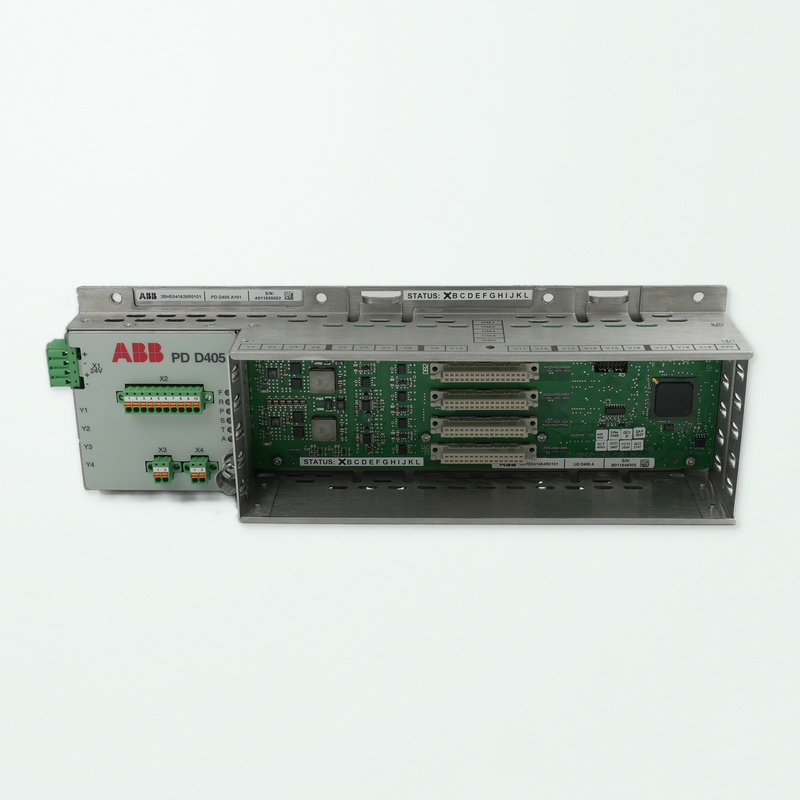
ABB 3BHE041626R0101 PDD405 A101 is a control hub for the ACS580MV drive control architecture. It links the inverter unit with the control compartment and carries inverter-control and cabinet-monitoring signals through the internal control system.
Version check: Match the complete 3BHE041626R0101 / PDD405 A101 identification, fitted daughterboards and drive-specific configuration; check that the replacement control-hub software matches the installed drive.
Kollmorgen S7120S-NANANA is an S700 digital servo amplifier for controlled torque, speed and positioning of electric motors.
Version check: Match S7120S-NANANA, the 30 A peak-current S variant, motor/feedback data and firmware; retain the standard NANANA option configuration and dual-channel STO requirements.
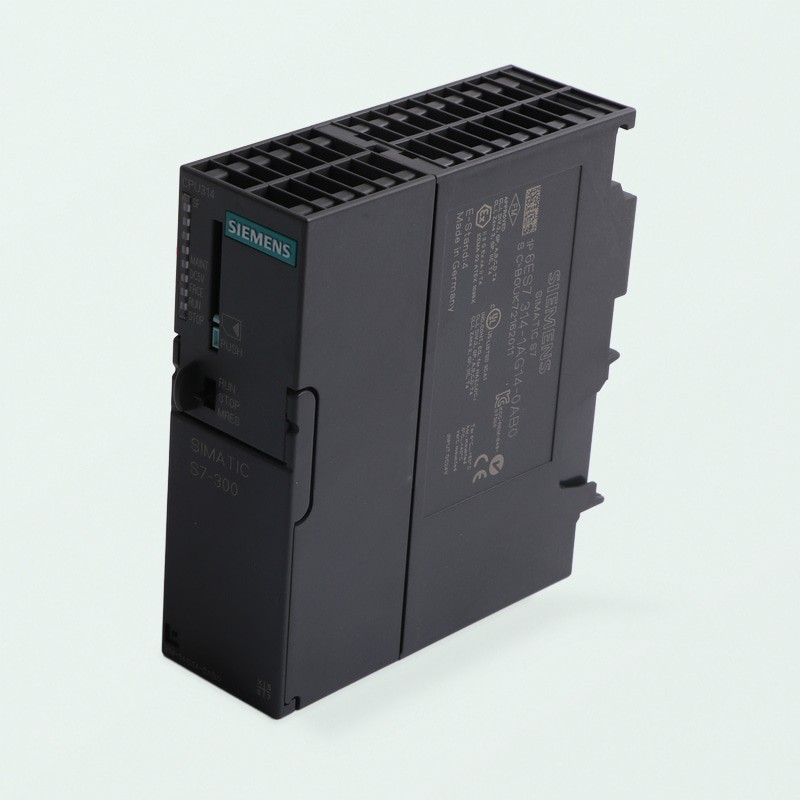
Siemens 6ES7314-1AG14-0AB0 is the SIMATIC S7-300 CPU 314 for a modular rack whose field channels are provided by selected signal modules.
Match the project hardware entry to CPU 314 before exchanging this CPU. Engineering baseline: STEP 7 V5.5 SP1 or V5.2 SP1 with HSP 218.
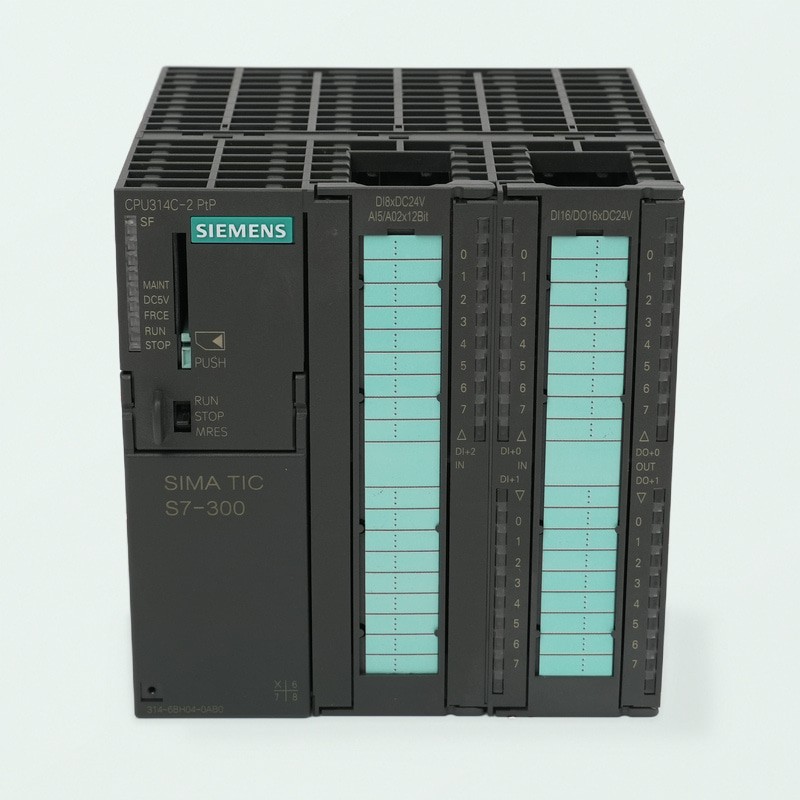
Siemens 6ES7314-6BH04-0AB0 is the SIMATIC S7-300 CPU 314C-2 PtP for machines combining local signals with serial communication to a point-to-point device.
Match the project hardware entry to CPU 314C-2 PtP before exchanging this CPU. Engineering baseline: STEP 7 V5.5 SP1 or V5.3 SP2 with HSP 204.
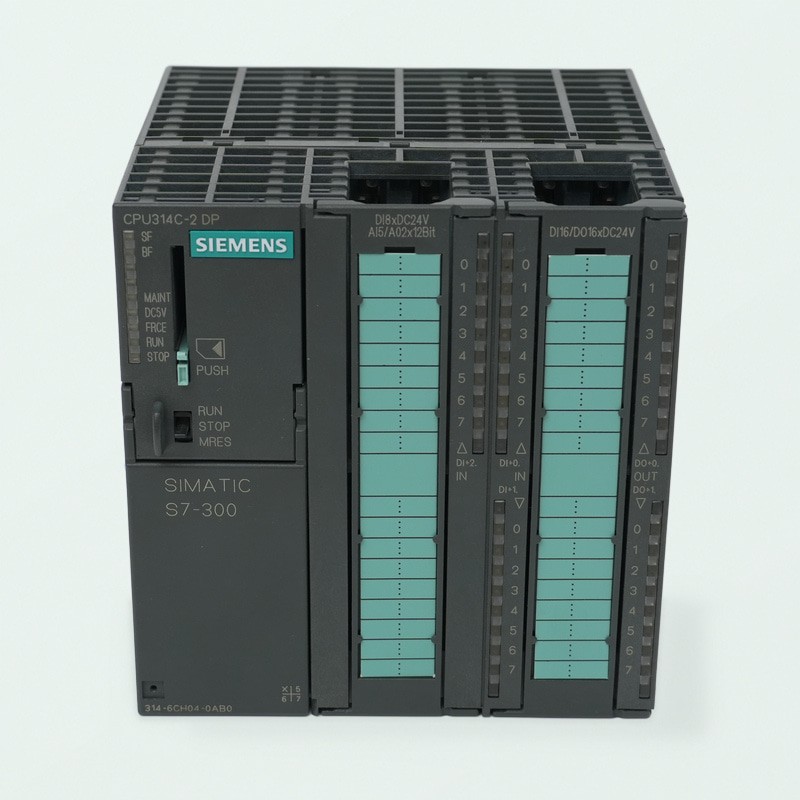
Siemens 6ES7314-6CH04-0AB0 is the SIMATIC S7-300 CPU 314C-2 DP for compact control using both onboard signals and a dedicated PROFIBUS DP interface.
Match the project hardware entry to CPU 314C-2 DP before exchanging this CPU. Engineering baseline: STEP 7 V5.5 SP1 or V5.3 SP2 with HSP 203.
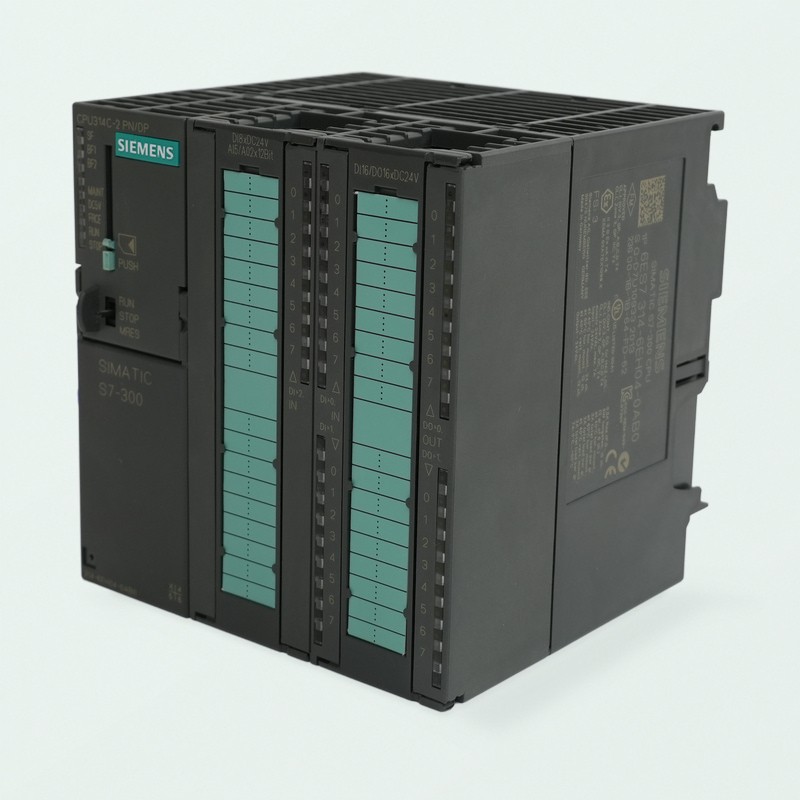
Siemens 6ES7314-6EH04-0AB0 is the SIMATIC S7-300 CPU 314C-2 PN/DP for a compact machine station with local I/O and built-in Ethernet PROFINET.
Match the project hardware entry to CPU 314C-2 PN/DP before exchanging this CPU. Engineering baseline: STEP 7 V5.5 or later with HSP 191.
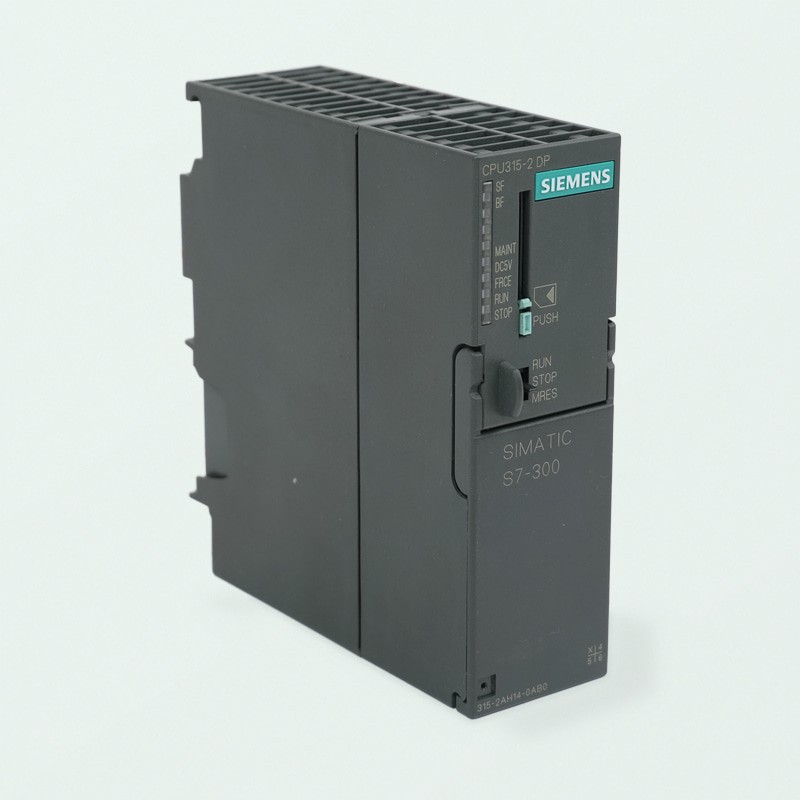
Siemens 6ES7315-2AH14-0AB0 is the SIMATIC S7-300 CPU 315-2 DP for a modular PLC station with a dedicated PROFIBUS DP interface for distributed field devices.
Match the project hardware entry to CPU 315-2 DP before exchanging this CPU. Engineering baseline: STEP 7 V5.5 SP1 or V5.2 SP1 with HSP 218.
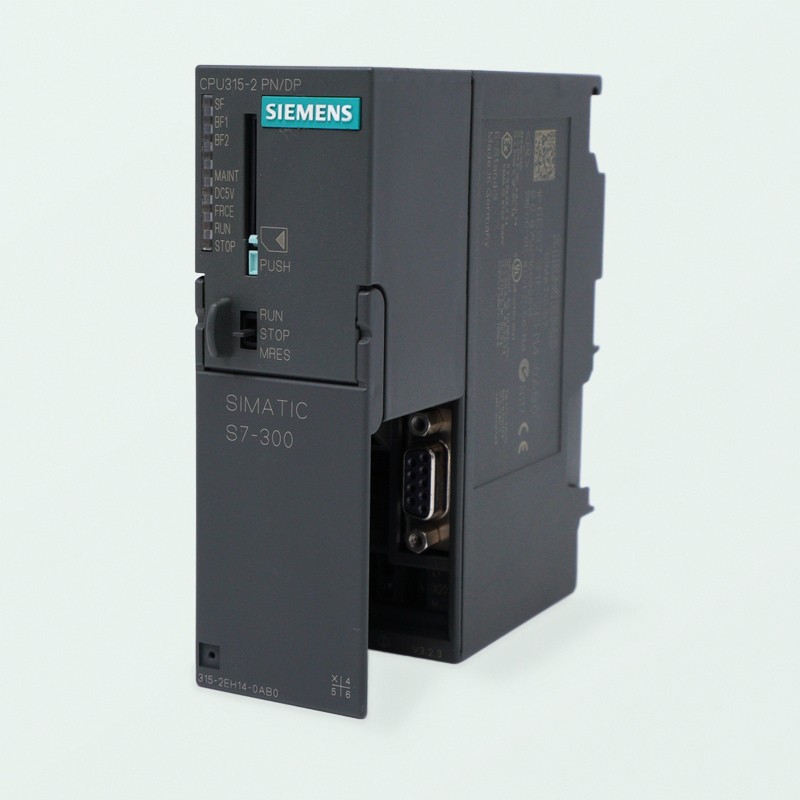
Siemens 6ES7315-2EH14-0AB0 is the SIMATIC S7-300 CPU 315-2 PN/DP for a modular station that uses PROFINET Ethernet while retaining an MPI/DP interface.
Match the project hardware entry to CPU 315-2 PN/DP before exchanging this CPU. Engineering baseline: STEP 7 V5.5 or later.
leave a message
No online payment is requested. Final price and terms are supplied in a written quotation.