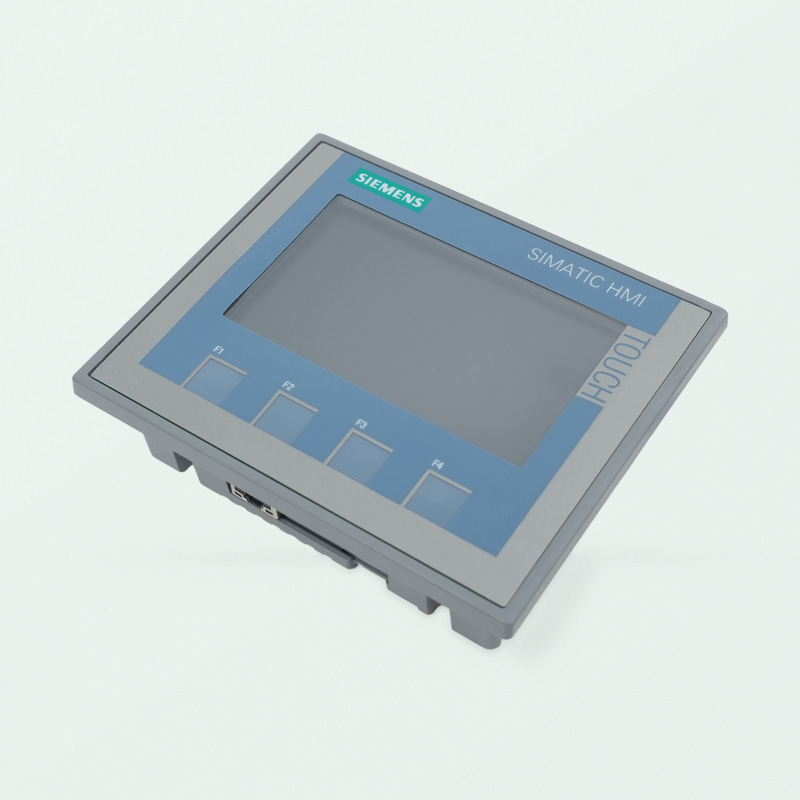
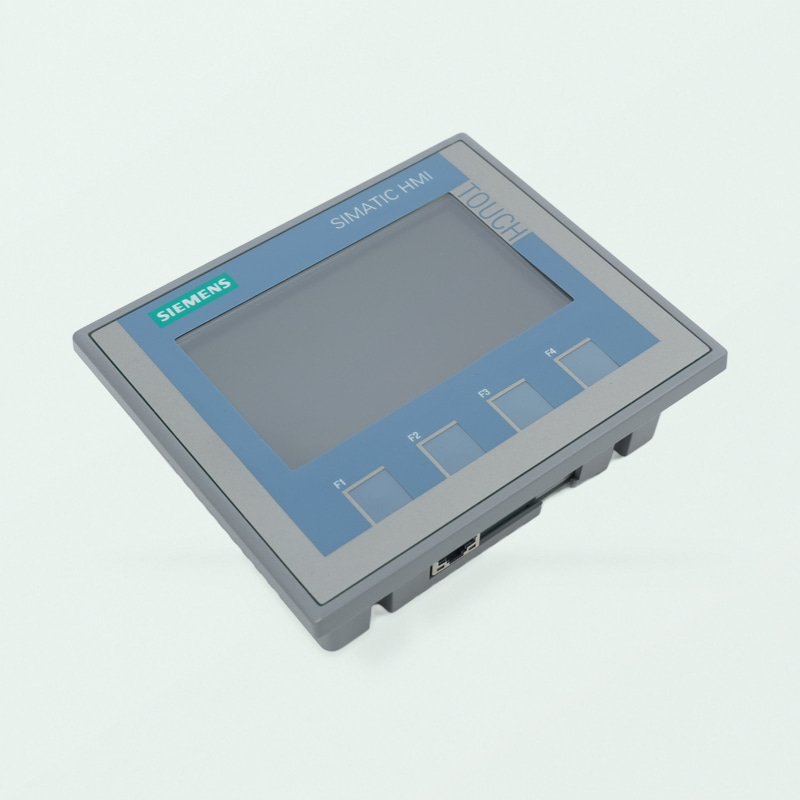
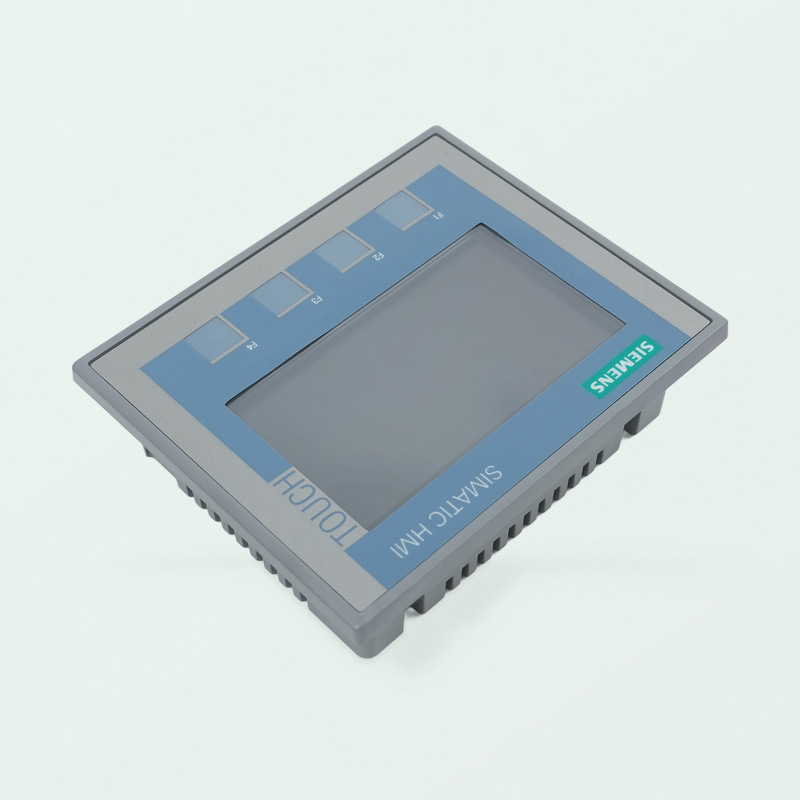
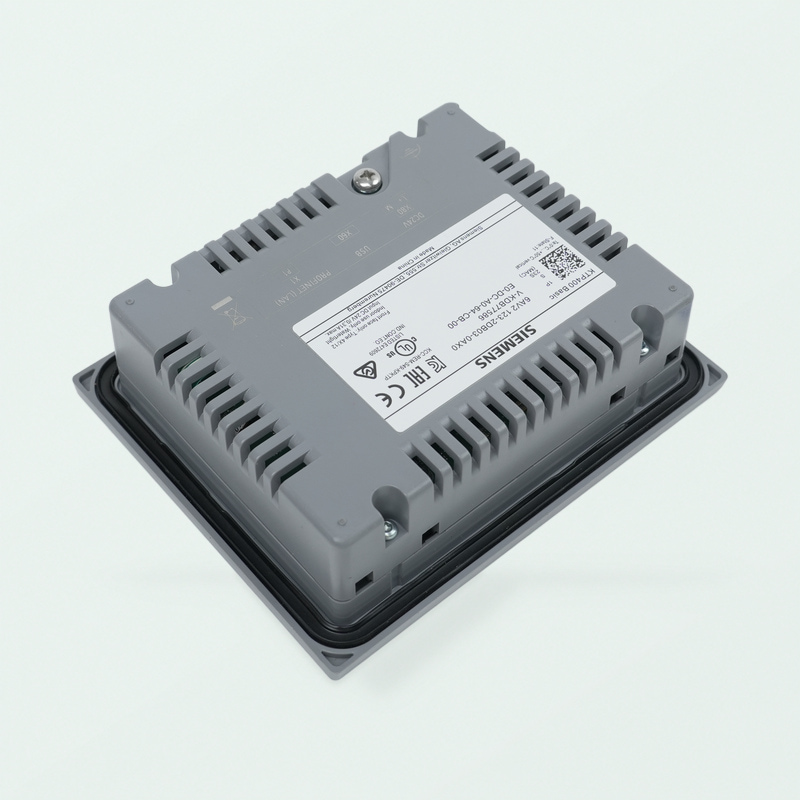
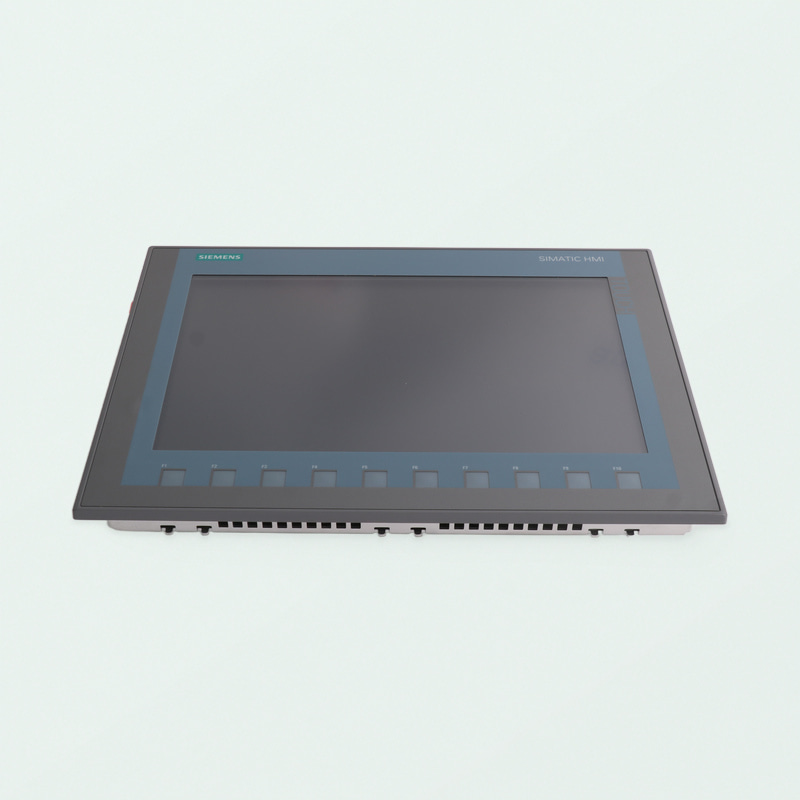
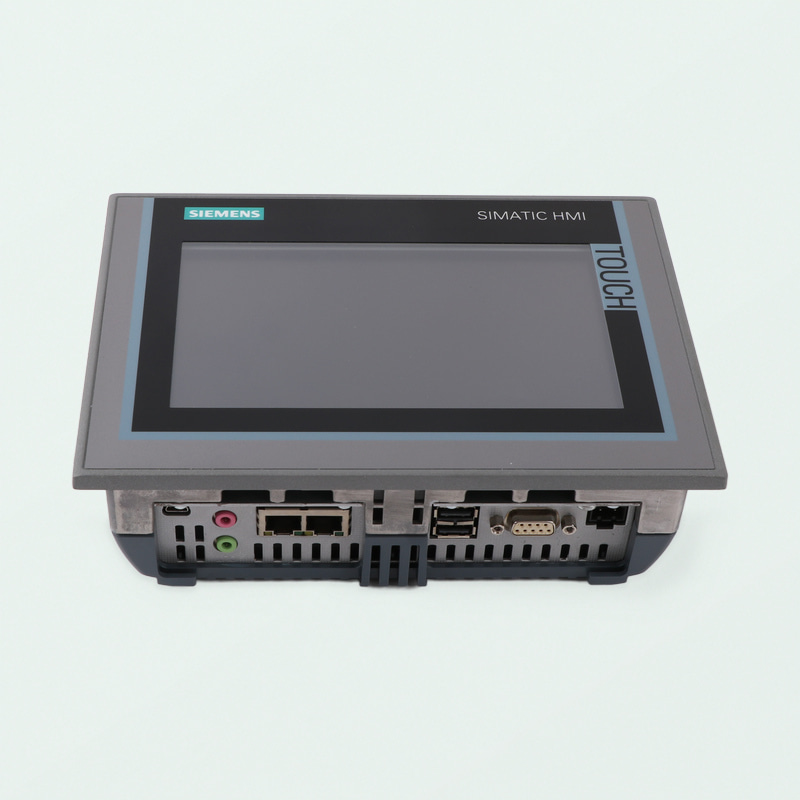
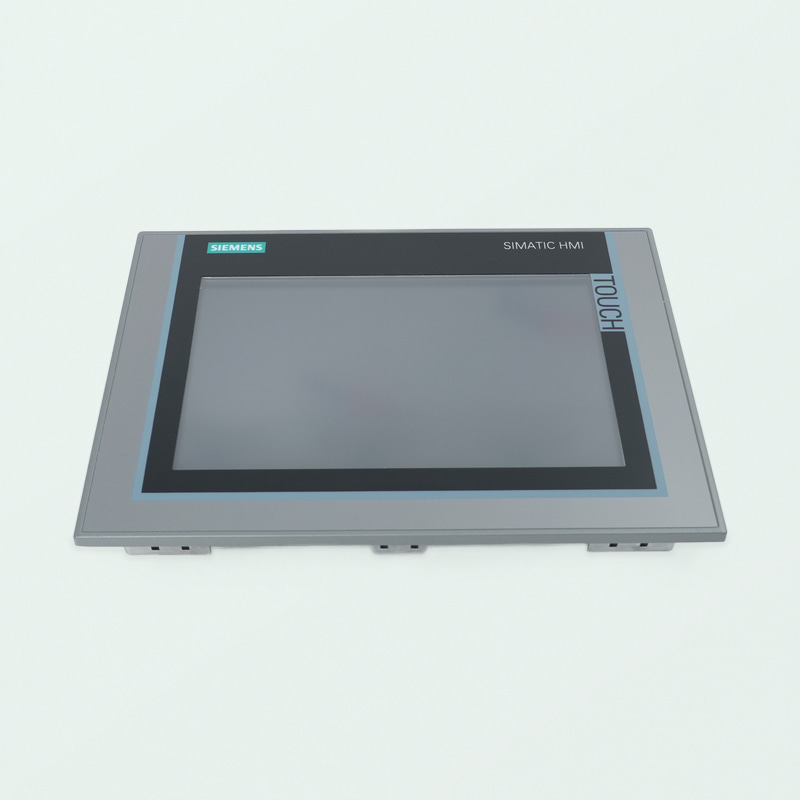
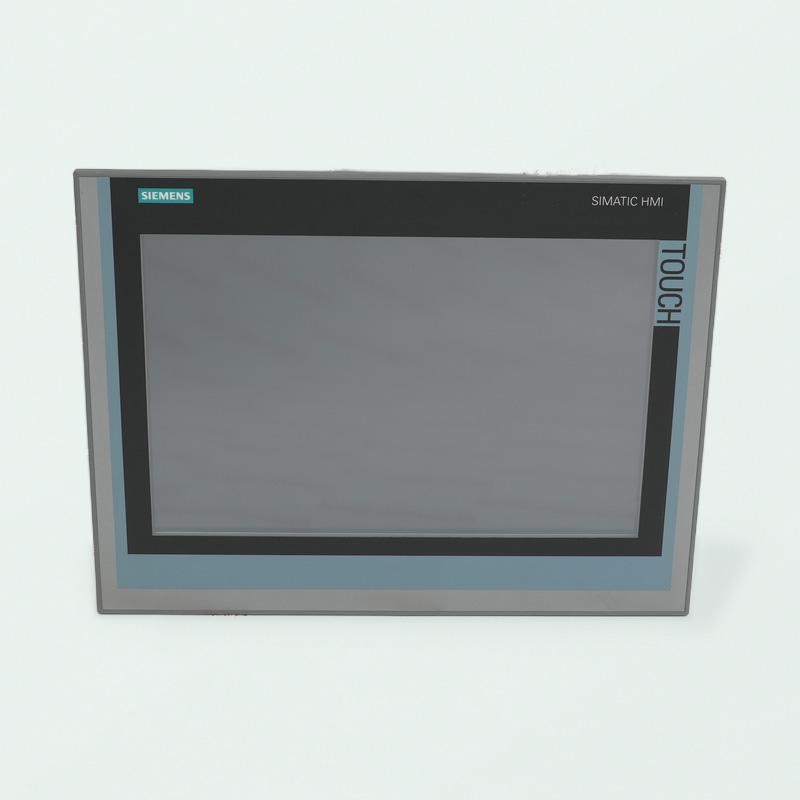
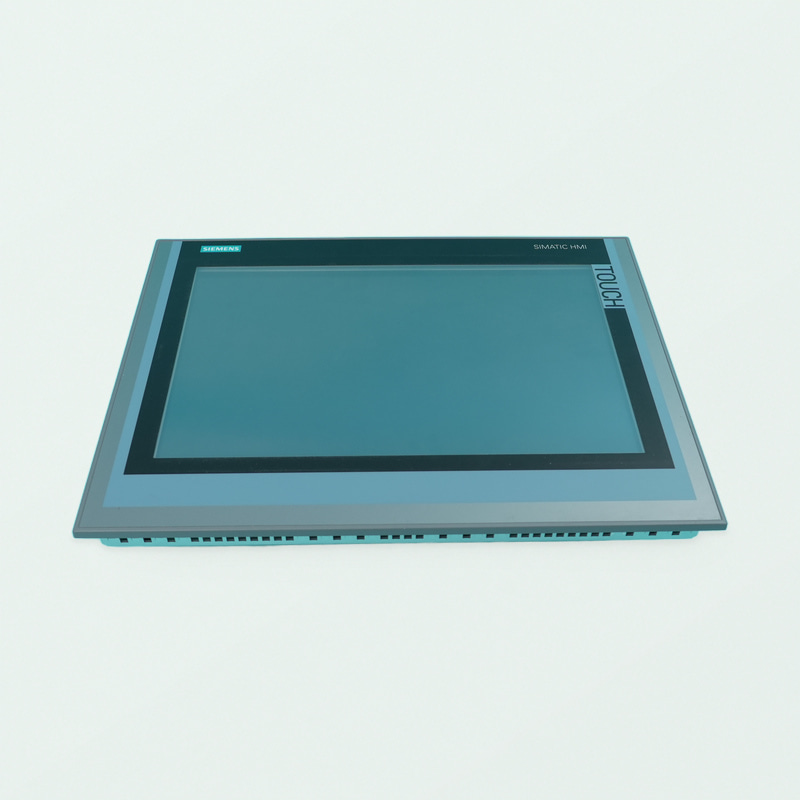
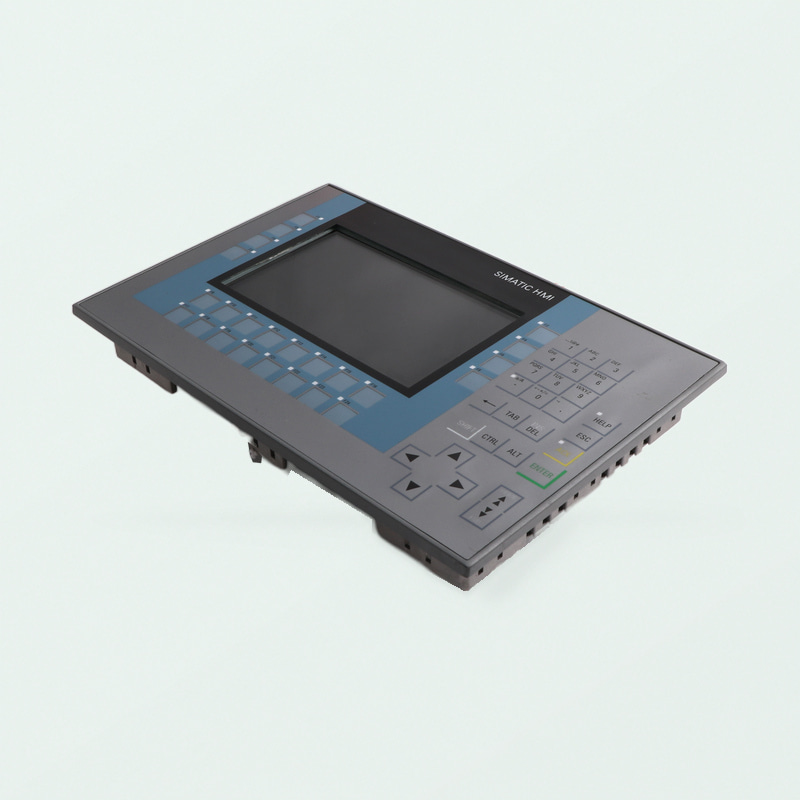
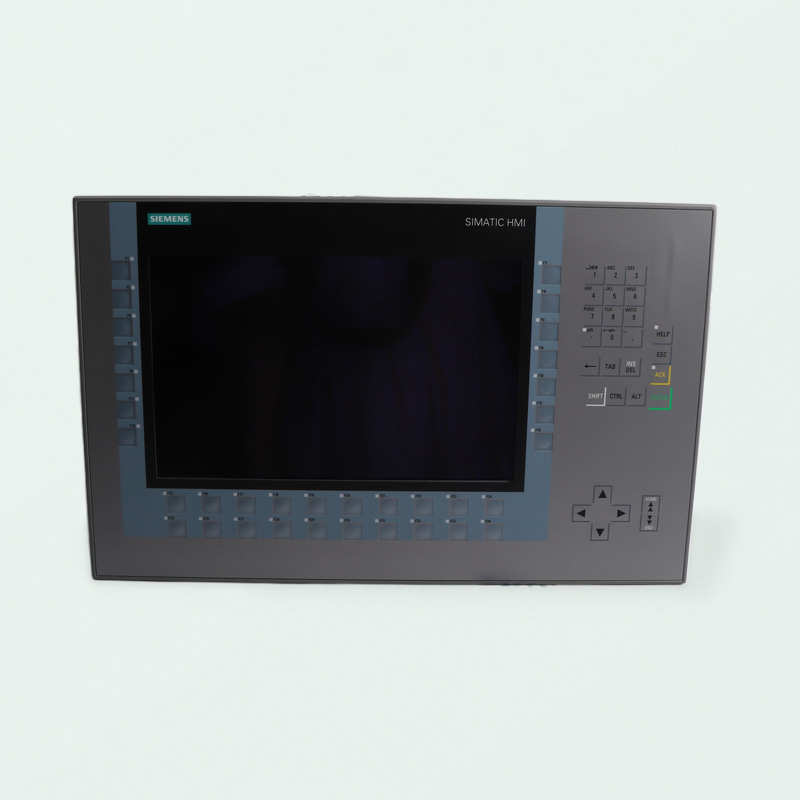
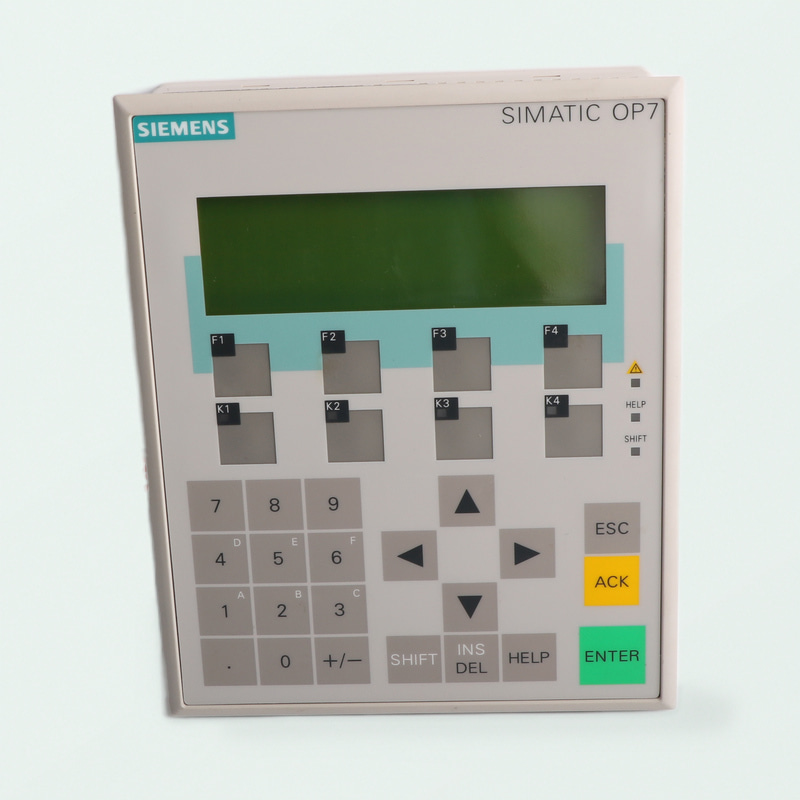
Siemens 6AV2123-2DB03-0AX0 is the SIMATIC HMI KTP400 Basic operator panel. It combines a 4.3-inch color TFT touchscreen with four function keys, one PROFINET interface and a 24 V DC supply.
Version check: Confirm the complete order number, installed panel image and WinCC project version before replacement.
Bank transfer before dispatch, unless agreed in writing.
Siemens 6AV2123-2DB03-0AX0 KTP400 Basic
Siemens 6AV2123-2DB03-0AX0 is the SIMATIC HMI KTP400 Basic, a compact second-generation operator panel for small machines and local process interfaces. Its PROFINET connection exchanges HMI data with the configured controller, while the 4.3-inch color touchscreen and four function keys provide the operator controls. Beyond displaying machine values, the panel supports value entry, alarm acknowledgement, trend views and recipe records for the functions included in the project. This makes the complete order number relevant when a compact key-and-touch interface is required for routine machine operation.
Hardware specifications. The TFT widescreen display offers 480 × 272-pixel resolution and 65,536 colors, with analog-resistive touch operation and four function keys. An ARM processor is paired with 10 MB of user data memory. The panel provides one Industrial Ethernet interface and one USB interface, with support for PROFINET, TCP/IP and Modbus TCP/IP communication; PROFINET IO is not supported. Its nominal supply is 24 V DC, with a permitted range of 19.2–28.8 V DC and a rated current of 125 mA. Protection ratings are IP65 at the front and IP20 at the rear. The housing front measures 140 × 116 mm, and the specified mounting depth is 34.9 mm.
Software and compatibility. The 6AV2123-2DB03-0AX0 is configurable from WinCC Basic V13 / STEP 7 Basic V13 within TIA Portal; STEP 7 Basic provides HMI configuration through its integrated WinCC Basic software. Siemens lists communication support for S7-1200, S7-1500, S7-200, S7-300, S7-400, LOGO! and WinAC controllers, subject to the applicable CPU, connection and project configuration. Published configuration limits include up to 800 variables, 250 screens and 50 recipes.
Technical Specifications
Parameter
Specification
Product Identity
Manufacturer
Siemens AG
Complete order number
6AV2123-2DB03-0AX0
Product family
SIMATIC HMI Basic Panels, second generation
Product designation
KTP400 Basic
Housing front (W × H)
140 × 116 mm
Mounting cutout (W × H)
124 × 100 mm
Mounting depth
34.9 mm
Functional Configuration
Operation
Touchscreen and 4 function keys
Display
4.3-inch TFT widescreen; LED backlighting
Resolution / colors
480 × 272 pixels / 65,536 colors
Active display area
95 × 53.9 mm
Interfaces
1 Industrial Ethernet interface; 1 USB interface
PROFINET IO / PROFIBUS
Not supported / not supported
Engineering software
Configurable from WinCC Basic V13 / STEP 7 Basic V13
Performance & Power
Rated supply / permitted range
24 V DC / 19.2–28.8 V DC
Rated current / typical active power
125 mA / 3 W
User-data memory
10 MB
Environment
Protection
IP65 front; IP20 rear, subject to correct installation
Operating temperature, landscape
0–50 °C vertical; 0–40 °C at maximum tilt
Operating temperature, portrait
0–40 °C vertical; 0–35 °C at maximum tilt
Maximum inclination
35° from vertical
Storage / transport temperature
−20 to +60 °C
Operating humidity
Maximum 90%; no condensation
Compatibility & Selection Guide
Controller connections. 6AV2123-2DB03-0AX0 is the PROFINET version of the KTP400 Basic. Supported controller families for Ethernet communication include SIMATIC S7-200, S7-300/400, S7-1200, S7-1500, WinAC, SIMOTION and LOGO! controllers. Third-party communication drivers include Modicon Modbus TCP/IP, Allen-Bradley EtherNet/IP and Mitsubishi MC TCP/IP.
Engineering and ordering. The panel is configurable from TIA Portal WinCC Basic V13 / STEP 7 Basic V13. WinCC flexible is not supported. This order number has an Industrial Ethernet interface and no PROFIBUS interface; the KTP700 Basic DP and KTP1200 Basic DP are separate PROFIBUS models.
Replacement and project transfer. The mounting cutout is compatible with the KTP400 Basic color PN. Project transfer also requires compatible HMI device-image and configuration-software versions: a version mismatch can prevent transfer. The replacement project must use the correct target device and communication configuration.
Wiring & Installation Reference
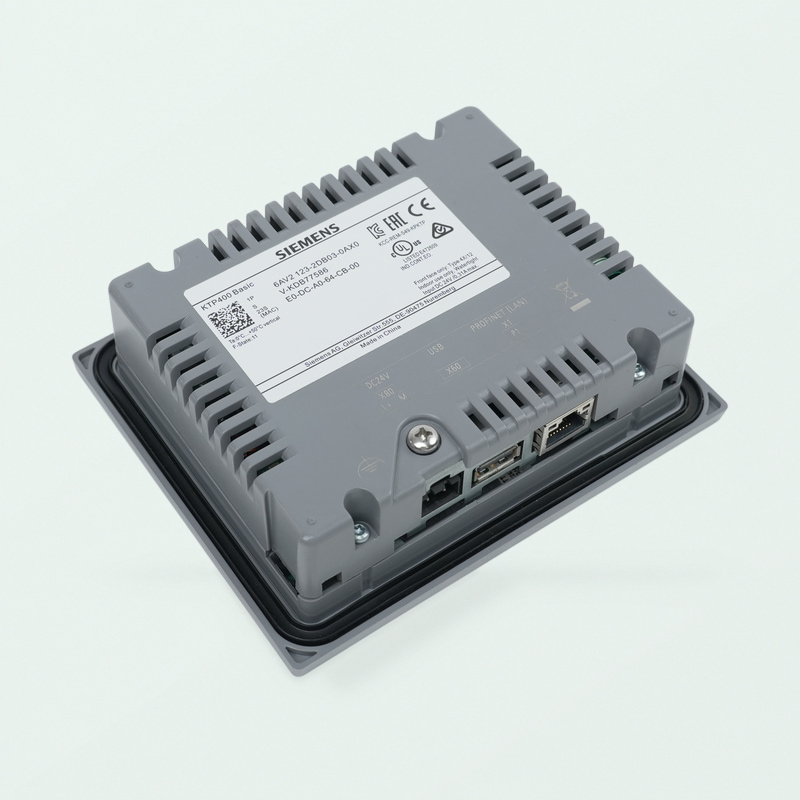
Match the rear markings and complete order number before wiring. The interfaces below belong to the KTP400 Basic PROFINET panel.
Power and interfaces
Interface
Marking
Connection
Power
DC24V X80
Pin 1: +24 V DC (L+); pin 2: GND 24 V (M).
LAN
PROFINET (LAN) X1
One RJ45 Industrial Ethernet interface.
USB
USB X60
One USB interface for supported peripherals and storage.
Supply: 24 V DC nominal; permitted range 19.2–28.8 V DC.
Network: This order number has no PROFIBUS, RS485, RS422 or RS232 interface.
Isolate cabinet power. Use trained personnel and an indoor enclosure that prevents unauthorized rear access.
2.
Prepare the cutout
Use a 124 × 100 mm cutout. Keep the sealing surface flat; enclosure thickness must be 2–6 mm for the stated front protection.
3.
Secure the panel
Insert from the front and fit four mounting clips. Maximum clip torque: 0.2 N·m. Preserve ventilation clearances and the temperature limit for the chosen orientation.
4.
Connect and verify
Connect equipotential bonding before the safely isolated 24 V DC supply, then the engineering PC and controller. Check polarity and provide cable strain relief.
Use an SELV/PELV supply. Power wires: maximum 1.5 mm², stripped 6 mm and fitted with ferrules. Keep the supply off while terminating.
Connect the panel functional earth to the bonding rail with 4 mm² conductor. Cable shields do not replace the plant equipotential-bonding network; follow the original manual for its sizing and routing.
Frequently Asked Questions
What can I save from 6AV2123-2DB03-0AX0 before swapping the panel?
ProSave or WinCC can back up the panel project and device image, password list, and recipe data from internal flash.
Can I restore a backup to 6AV2123-2DB03-0AX0 at the machine without a PC?
Yes. Use Restore in Service & Commissioning and select the backup on a USB storage device. A restore replaces the existing project and panel password. License keys are removed only after a separate prompt.
Can 6AV2123-2DB03-0AX0 load an individual project from USB storage?
Yes, with a panel image compatible with WinCC (TIA Portal) V14 or later. Use Project Download in Service & Commissioning. The load options allow separate choices for overwriting user administration and recipes.
What happens to the running project on 6AV2123-2DB03-0AX0 when automatic transfer starts?
When automatic transfer is enabled and the engineering PC initiates a transfer, the panel stops the running project and enters Transfer mode. Disable automatic transfer after commissioning to prevent unintended interruptions.
Can I test a project on 6AV2123-2DB03-0AX0 before connecting the controller?
Yes. After transferring the project, use Offline mode to test screens, navigation and input objects on the panel. Controller tags do not update in that mode. Use Online mode to test controller-dependent functions such as alarms.
What data does an operating-system update erase from 6AV2123-2DB03-0AX0?
An operating-system update through ProSave or WinCC erases panel data including the project and licenses. Make the required backups before updating.
How do I recalibrate a touch offset on 6AV2123-2DB03-0AX0?
In the Touch settings, choose Recalibrate, touch the screen within 15 seconds and follow the five targets. A missed target restarts calibration.
How can I recover 6AV2123-2DB03-0AX0 from a USB stick?
Put Siemens Basic Panels recovery software in the root of a formatted stick and insert it with the panel off. After startup, Recovery Mode offers a factory reset. That reset clears the existing panel data.
Manufacturer Documentation
6AV2123-2DB03-0AX0 Product Reference
Product photograph, overview and installation notes, with selected Siemens datasheet pages covering display, supply, interfaces, environmental limits and dimensions.
PDF · 6 pages · 126.5 KB · Compiled by EWOLO CONTROL. Selected Siemens datasheet pages, generated 28 September 2026; installation summary from A5E33293231-AB, October 2016.
EWOLO CONTROL is an independent supplier of industrial automation spare parts. See About Us for our company background and Company Qualifications for the published ISO 9001:2015 certificate and supplier assessment records.
01
Discontinued & Hard-to-Find Parts
We source DCS, PLC and TSI spares for maintenance and replacement.
02
Order & Payment Confirmation
Pay by bank transfer before dispatch, unless agreed otherwise in writing.
03
Pre-Dispatch Verification
Model, quantity and visible condition are checked against your order.
04
Protective Packaging
Packaging is selected for the product and agreed shipping method.
05
Global Shipping & Tracking
DHL, FedEx, UPS or an agreed carrier. Tracking follows collection.
06
Order Documentation
Commercial invoice and packing list supplied. Agree extra documents before ordering.
07
12-Month Warranty
Eligible items: 12-month return-to-base warranty from dispatch, per quotation.
08
After-Sales Support
Send fault details and photos. Returns need prior written approval.
REQUEST A QUOTE
Siemens 6AV2123-2DB03-0AX0
Include the part number, required quantity and destination in your enquiry. Add the required hardware series or firmware revision, if applicable.
Siemens 6AV2123-2MB03-0AX0 is the SIMATIC HMI KTP1200 Basic PROFINET operator panel, with a 12-inch color touchscreen and 10 function keys. It gives machine operators a local interface for process values, alarms and configured control actions.
Version check: Check the complete order number, PROFINET connection and installed WinCC project before selecting a replacement.
Siemens 6AV2124-0GC01-0AX0 is a TP700 Comfort touch HMI with a 7-inch 800 × 480 TFT display, 12 MB user memory, PROFINET and MPI/PROFIBUS DP interfaces. It supports machine operation, process visualization, alarms and recipes.
Version check: Confirm the TP700 Comfort order number, PROFINET or MPI/PROFIBUS connection and WinCC Comfort project/image version before replacement.
Siemens 6AV2124-0JC01-0AX0 is a TP900 Comfort touch HMI with a 9-inch 800 × 480 TFT display, 12 MB user memory, PROFINET and MPI/PROFIBUS DP interfaces. It supports machine operation, process visualization, alarms and recipes.
Version check: Confirm the TP900 Comfort order number, PROFINET or MPI/PROFIBUS connection and WinCC Comfort project/image version before replacement.
Siemens 6AV2124-0QC02-0AX0 is a TP1500 Comfort touch HMI with a 15.4-inch 1280 × 800 TFT display, 24 MB user memory, PROFINET and MPI/PROFIBUS DP interfaces. It supports machine operation, process visualization, alarms and recipes.
Version check: Confirm the 0AX0 suffix, installed Windows CE 6.0 image and WinCC Comfort project version before considering the 0AX1 successor.
Siemens 6AV2124-0QC02-0AX1 is a TP1500 Comfort touch HMI with a 15.4-inch 1280 × 800 TFT display, 24 MB user memory, PROFINET and MPI/PROFIBUS DP interfaces. It supports machine operation, process visualization, alarms and recipes.
Version check: Confirm the 0AX1 suffix and WEC 2013 panel image; check project support in WinCC Comfort V14 SP1 with HSP or later before replacement.
Siemens 6AV2124-1GC01-0AX0 is the SIMATIC HMI KP700 Comfort with a 7-inch widescreen TFT display and 24 illuminated function keys. This key-operated panel provides machine visualization, operator input and alarm handling through PROFINET and MPI/PROFIBUS DP connections.
Version check: Confirm the full order number, panel image and WinCC project version before replacement.
Siemens 6AV2124-1MC01-0AX0 is the SIMATIC HMI KP1200 Comfort with a 12.1-inch widescreen TFT display and 34 illuminated function keys. This key-operated panel provides machine visualization, operator input and alarm handling through PROFINET and MPI/PROFIBUS DP connections.
Version check: Confirm the full order number, panel image and WinCC project version before replacement.
Siemens 6AV3607-1JC20-0AX1 is the SIMATIC OP7/DP text operator panel for SIMATIC S7/M7 systems. Its LED-backlit LC display shows four lines of twenty characters, with eight function keys and a PPI/MPI/PROFIBUS DP interface supporting up to 1.5 Mbaud.
Version check: Confirm the OP7/DP version, existing controller connection and ProTool configuration before selecting a replacement.
leave a message
No online payment is requested. Final price and terms are supplied in a written quotation.