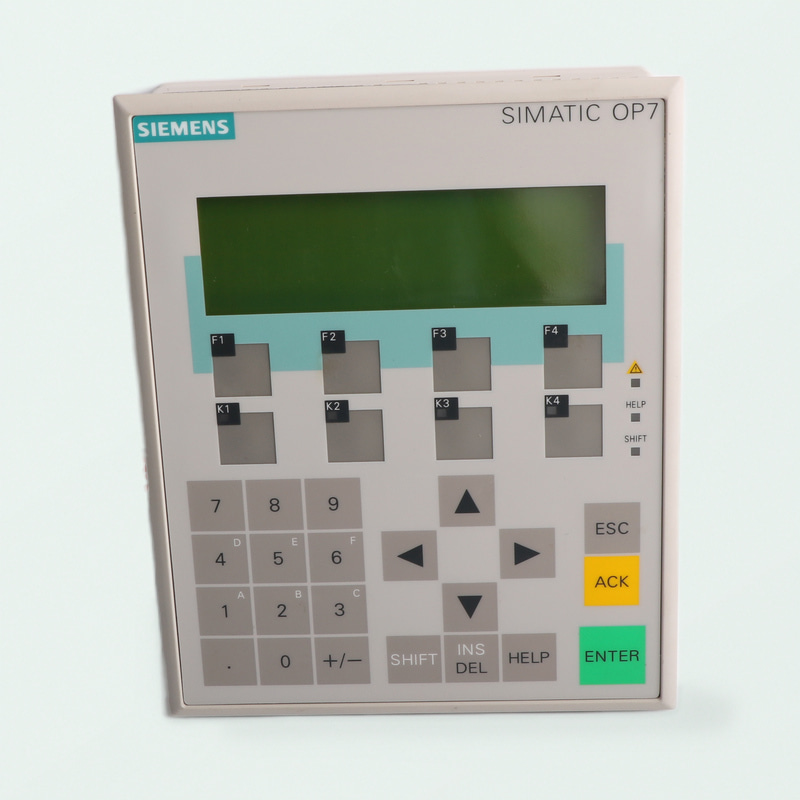
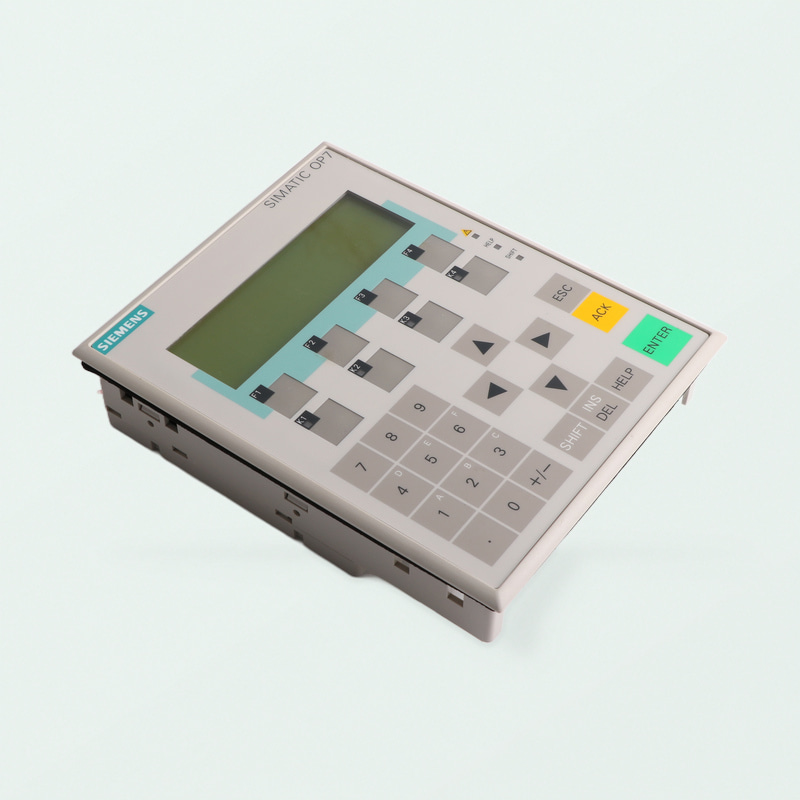
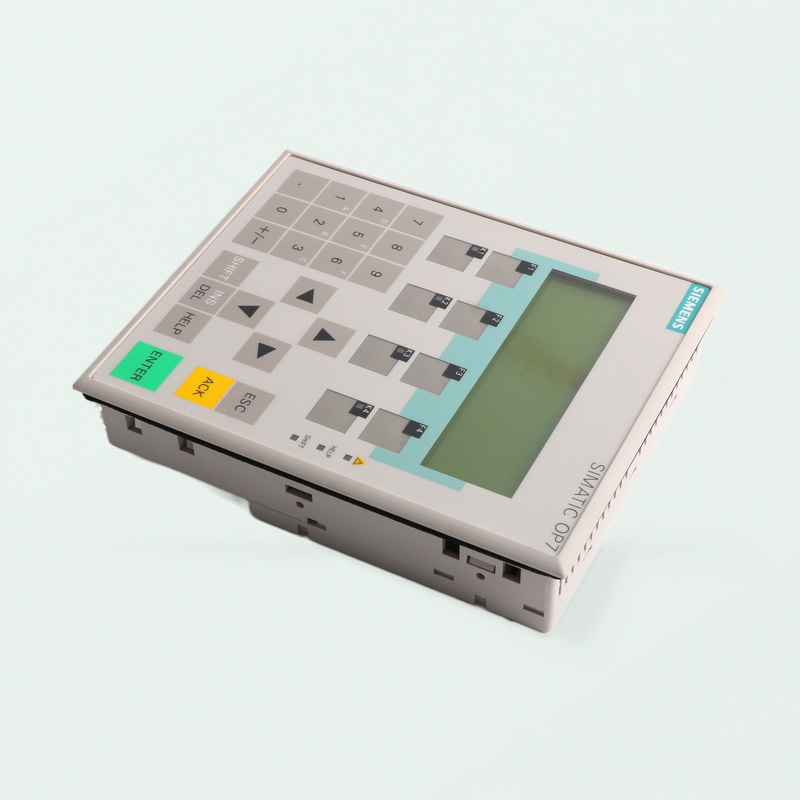
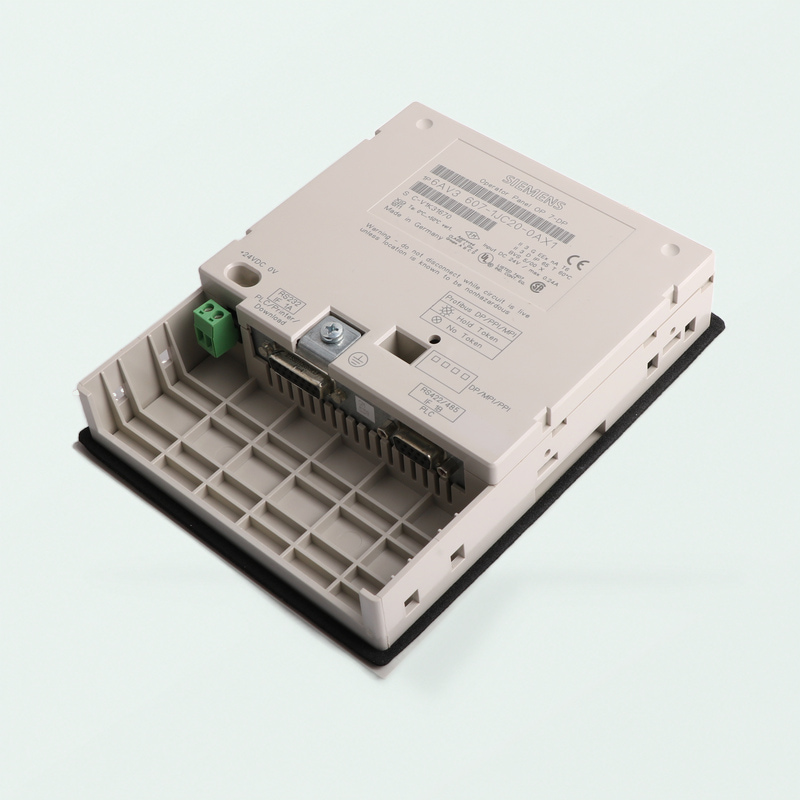
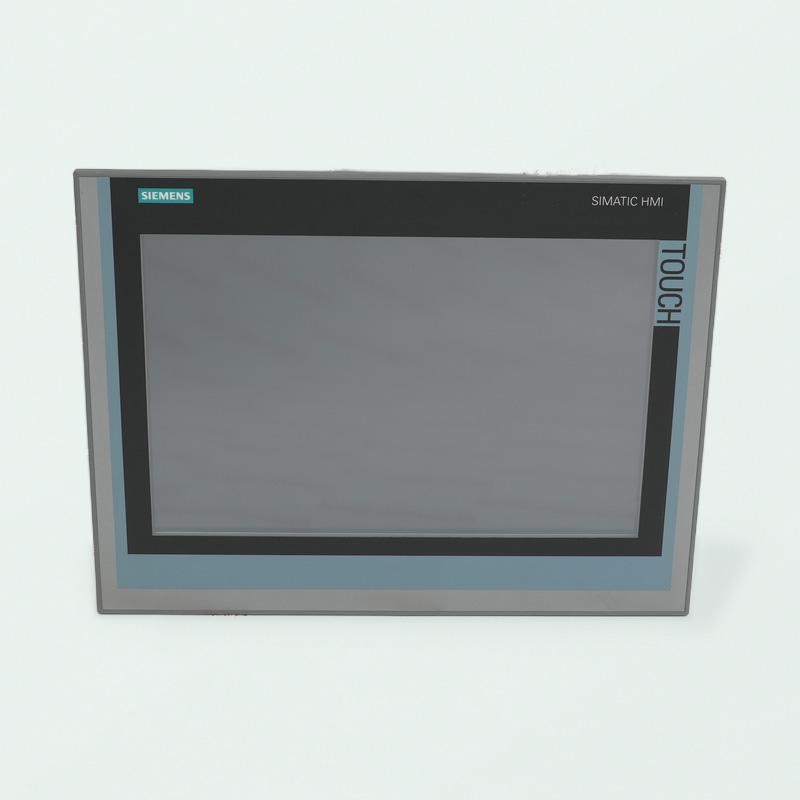
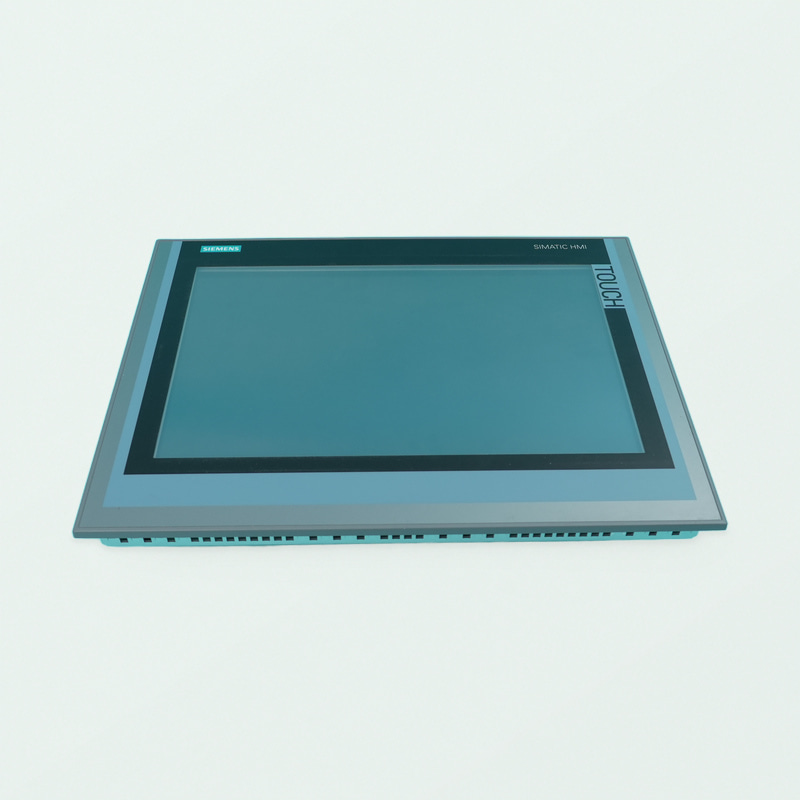
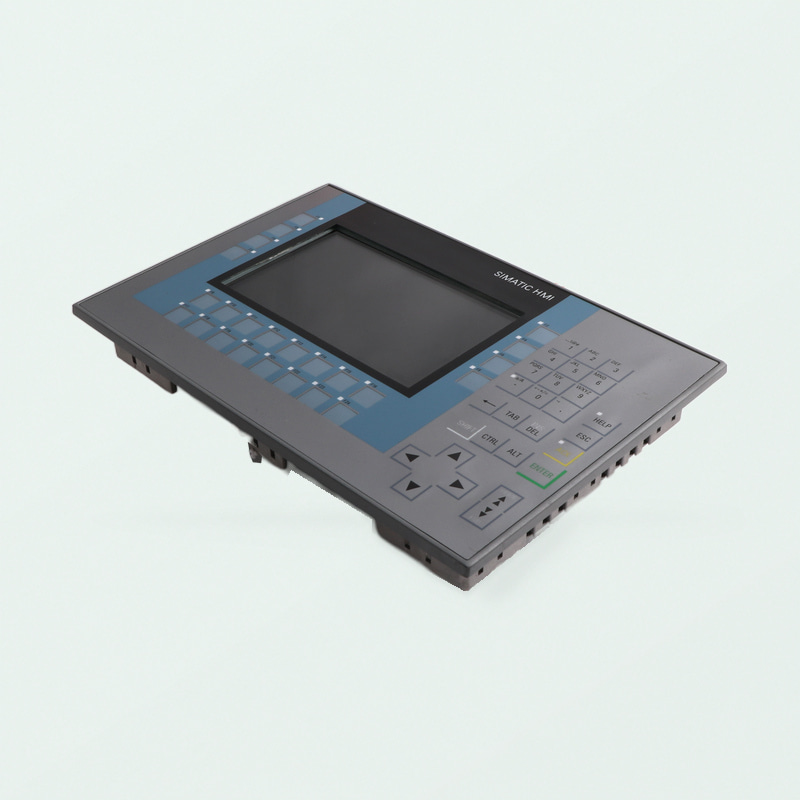
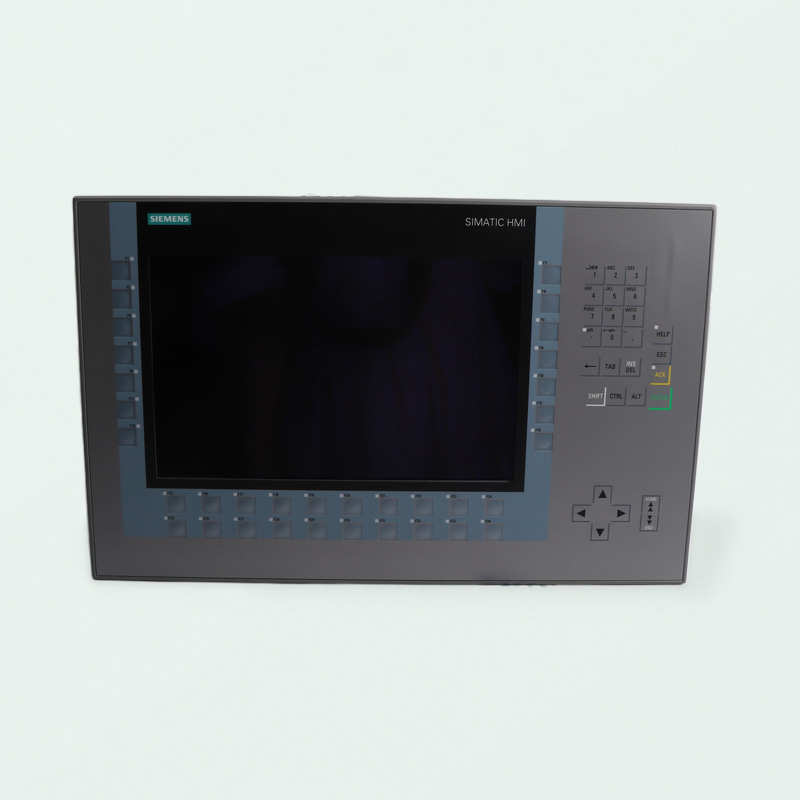
Siemens 6AV3607-1JC20-0AX1 is the SIMATIC OP7/DP text operator panel for SIMATIC S7/M7 systems. Its LED-backlit LC display shows four lines of twenty characters, with eight function keys and a PPI/MPI/PROFIBUS DP interface supporting up to 1.5 Mbaud.
Version check: Confirm the OP7/DP version, existing controller connection and ProTool configuration before selecting a replacement.
Bank transfer before dispatch, unless agreed in writing.
Siemens 6AV3607-1JC20-0AX1 SIMATIC OP7/DP
Siemens 6AV3607-1JC20-0AX1 is the SIMATIC OP7/DP text-based operator panel for an existing SIMATIC S7 or M7 control application. It presents machine states, process values, event messages and alarms, while its physical keys let operators enter values, acknowledge messages and call configured functions. Recipe records can hold related production settings for exchange with the controller. The four-line display and keypad identify the OP7 style of interaction, and the complete order number selects the PROFIBUS DP version rather than the separate PP or DP-12 variants.
Hardware specifications. The 6AV3607-1JC20-0AX1 uses a monochrome LC display with LED backlighting and 8 mm character height. It has eight configurable function keys, including four with LEDs, plus twenty-two system keys and 128 KB of flash memory for configuration data and data records. Supply is 24 V DC, with an allowed range of 18–30 V DC; the equipment manual specifies 190 mA typical current and 240 mA maximum continuous current at 24 V. Its front measures 144 × 180 mm, with IP65 front and IP20 rear protection when correctly fitted.
Software and system compatibility. The 6AV3607-1JC20-0AX1 is configured with Siemens ProTool/Lite; the exact-model datasheet specifies Version 2.51 or higher. Its IF1A RS232 interface is used for the configuration computer, and IF1B provides PPI, MPI and PROFIBUS DP communication for the documented SIMATIC S7/M7 connections, up to 1.5 Mbaud. It has no Industrial Ethernet or USB port. Verify the retained project, controller connection and transfer cable for the DP variant before a replacement; the OP7 family name alone does not establish interchangeability.
Technical Specifications
Parameter
Specification
Product Identity
Manufacturer
Siemens AG
Complete order number
6AV3607-1JC20-0AX1
Product type
SIMATIC OP7/DP text operator panel
Housing dimensions (W × H × D)
144 × 180 × 42.5 mm overall
Mounting depth
38.5 mm
Mounting cutout (W × H)
135 (+1/0) × 171 (+1/0) mm
Functional Configuration
Display
Monochrome LC display with LED backlighting
Text display capacity
4 lines × 20 characters; 8 mm character height
Operator input
Membrane keys; no touchscreen
Function keys
8 configurable keys; 4 with LEDs
System keys
22
Configuration interface
IF1A RS232; 15-pin sub-D socket
Controller interface
IF1B PPI/MPI/PROFIBUS DP; 9-pin sub-D socket
USB / Industrial Ethernet
Not provided
Engineering software
ProTool/Lite; exact-model datasheet specifies Version 2.51 or higher
Performance & Power
Configuration memory
128 KB flash for configuration data and data records
Rated supply / permitted range
24 V DC / 18–30 V DC
Current at 24 V
190 mA typical; 240 mA maximum continuous
PROFIBUS transmission rate
Up to 1.5 Mbaud; this is not the DP-12 variant
Battery
OP7 operates without a battery; operating data retained in flash
Environment
Protection
IP65 front / IP20 rear; front gasket must fit correctly
Operating temperature
0–50 °C vertical; 0–35 °C horizontal
Storage / transport temperature
−25 to +70 °C
Operating humidity
Up to 95%, non-condensing
Compatibility & Selection Guide
SIMATIC system combinations. 6AV3607-1JC20-0AX1 is the OP7/DP version. Its IF1B connection supports SIMATIC S5 over PROFIBUS DP and SIMATIC S7/M7 over PPI, MPI or PROFIBUS DP. The selected controller and configured network must support the corresponding protocol.
PP, DP and DP-12 selection. The OP7/PP supports S5 AS511 and FAP through IF1A, while the OP7/DP uses PROFIBUS DP for S5 communication. OP7/DP-12 adds the 12 Mbaud PROFIBUS option. These versions therefore have different communication capabilities even though they share the OP7 panel format.
Serial equipment compatibility. On OP7/DP, IF1A provides RS232 connections for a PC/programming unit or printer. SIMATIC 500/505 and other PLC serial connections are available on the PP and DP-12 versions, rather than this DP configuration. For a replacement, the existing PLC protocol determines which OP7 version is suitable.
Wiring & Installation Reference
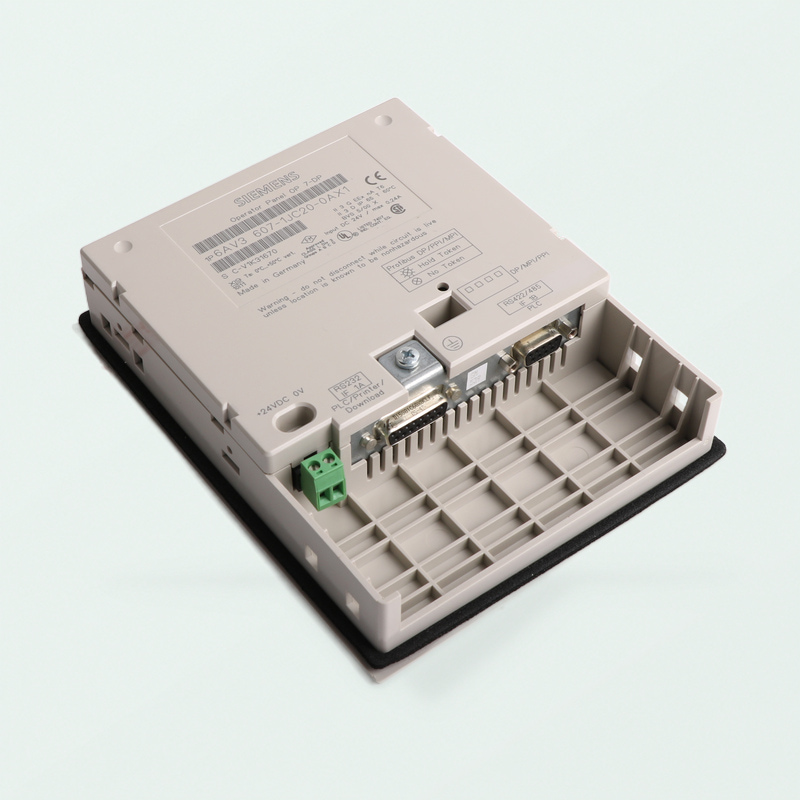
Use the OP7/DP connections for 6AV3607-1JC20-0AX1. IF1A is the serial configuration/printer connection, while IF1B is the DP controller interface; the PP and DP-12 pin tables are not interchangeable with the DP table.
Power and interfaces
Interface
Marking
Connection
Power
+24 V DC / 0 V
Two-pin screw terminal; connect the safely isolated DC supply with the correct polarity.
Serial configuration
IF1A
15-pin sub-D RS232 connection to a suitable PC/programming unit transfer cable.
Controller
IF1B
9-pin sub-D PPI/MPI/PROFIBUS DP. DP table D-4: pin 3 Data B, pin 8 Data A.
Power: Use a 24 V DC supply within 18–30 V DC. The power terminal accepts conductors up to 2.5 mm².
DP connection: Use the OP7/DP column and table D-4. Set the rear DIP switches for the required RTS signal; do not copy the PP or DP-12 connection assignment.
Isolate the cabinet supply and provide a protected installation location. Keep ventilation slots clear, avoid direct sunlight and allow at least 50 mm below the housing for connectors.
2.
Check the opening
Check the 135 (+1/0) × 171 (+1/0) mm mounting opening and front-panel thickness of no more than 6 mm. Fit the gasket correctly to preserve the stated front protection.
3.
Secure the panel
Insert the panel from the front and secure it with four screw-type clamps. Prevent it from falling before the clamps are fixed and avoid excessive tightening torque.
4.
Connect and verify
Connect chassis ground to cabinet ground and check DC polarity. Follow the documented initial power-up sequence before attaching the configuration computer; then confirm the correct IF1B settings for the controller.
Use safely isolated extra-low voltage. Verify the power polarity before connecting an RS232 device: an existing RS232 connection can defeat the panel polarity-reversal protection.
Use shielded signal cables, lock or screw down plug connections, and route signal wiring separately from high-voltage lines. Do not energize a panel with condensation; allow it to become fully dry.
Frequently Asked Questions
Is 6AV3607-1JC20-0AX1 the same communication version as OP7/DP-12?
No. 6AV3607-1JC20-0AX1 is OP7/DP, with PROFIBUS DP communication up to 1.5 Mbaud. The manual lists OP7/DP-12 separately with additional communication options and support up to 12 Mbaud. Match the full order number and the machine network before replacement.
Can 6AV3607-1JC20-0AX1 connect directly to PROFINET or a USB programming cable?
The exact-model datasheet lists no Industrial Ethernet interface and no USB port. Siemens documents project download to OP7 through IF1A using a suitable RS232 connection. Do not assume that a modern USB or Ethernet connection is built into the panel.
Which software is used to configure 6AV3607-1JC20-0AX1?
The exact-model datasheet identifies ProTool/Lite Version 2.51 or higher. Retain the original project and check the installed engineering environment and transfer method. A project prepared for a current Basic or Comfort Panel should not be assumed to load unchanged into this legacy text panel.
How much text can 6AV3607-1JC20-0AX1 show on its display?
The OP7 displays up to four lines of twenty characters, with 8 mm character height. It is a monochrome text operator panel, rather than a color graphical touchscreen. Verify that the existing project is intended for this character display.
Are the eight keys on 6AV3607-1JC20-0AX1 fixed to one function?
The eight function keys F1–F4 and K1–K4 can be assigned functions in the configuration, and all eight can alternatively operate as screen-dependent soft keys. The four green LEDs in K1–K4 can be driven by the PLC. Preserve the intended key assignments and machine labeling when replacing the panel.
What must be preserved before downloading a new configuration to 6AV3607-1JC20-0AX1?
Retain the required engineering project before changing the panel. The manual states that downloading a new configuration overwrites the existing configuration; the startup overall-reset key combination deletes configuration memory. Use the documented download procedure and avoid a reset unless the required project is available.
Does 6AV3607-1JC20-0AX1 need a backup battery for its stored operating data?
The manual states that OP7 operates without a battery and retains operating data in non-volatile flash memory. This does not mean the software clock has battery-backed time retention: the exact-model datasheet identifies its clock as non-retentive. Keep these two behaviors separate when assessing a replacement.
Is the 38.5 mm dimension of 6AV3607-1JC20-0AX1 the overall panel depth?
No. The equipment manual distinguishes 38.5 mm mounting depth from 42.5 mm overall depth. The housing front is 144 × 180 mm and the mounting cutout is 135 (+1/0) × 171 (+1/0) mm. Check the additional connector clearance as well as the mechanical dimensions.
Manufacturer Documentation
6AV3607-1JC20-0AX1 Product Reference
Product photograph, exact-model overview and technical notes, with selected Siemens OP7/DP datasheet and equipment-manual pages covering power, dimensions and interface assignments.
PDF · 7 pages · 125.5 KB · Compiled by EWOLO CONTROL. Siemens exact-model datasheet, May 2017; OP7/OP17 Equipment Manual 6AV3991-1AE05-1AB0, Release 04/99.
EWOLO CONTROL is an independent supplier of industrial automation spare parts. See About Us for our company background and Company Qualifications for the published ISO 9001:2015 certificate and supplier assessment records.
01
Discontinued & Hard-to-Find Parts
We source DCS, PLC and TSI spares for maintenance and replacement.
02
Order & Payment Confirmation
Pay by bank transfer before dispatch, unless agreed otherwise in writing.
03
Pre-Dispatch Verification
Model, quantity and visible condition are checked against your order.
04
Protective Packaging
Packaging is selected for the product and agreed shipping method.
05
Global Shipping & Tracking
DHL, FedEx, UPS or an agreed carrier. Tracking follows collection.
06
Order Documentation
Commercial invoice and packing list supplied. Agree extra documents before ordering.
07
12-Month Warranty
Eligible items: 12-month return-to-base warranty from dispatch, per quotation.
08
After-Sales Support
Send fault details and photos. Returns need prior written approval.
REQUEST A QUOTE
Siemens 6AV3607-1JC20-0AX1
Include the part number, required quantity and destination in your enquiry. Add the required hardware series or firmware revision, if applicable.
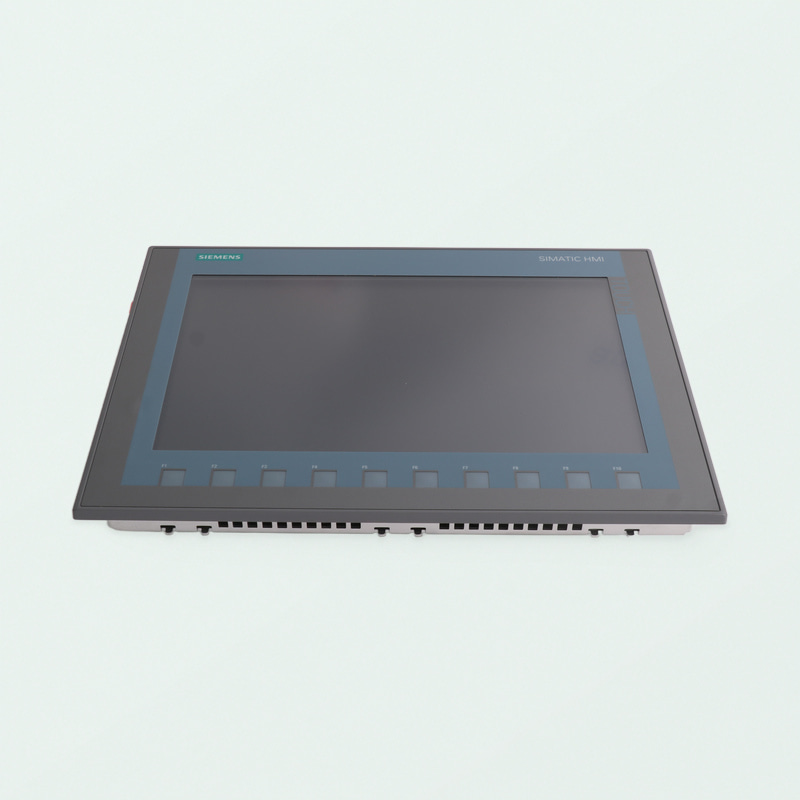
Siemens 6AV2123-2MB03-0AX0 is the SIMATIC HMI KTP1200 Basic PROFINET operator panel, with a 12-inch color touchscreen and 10 function keys. It gives machine operators a local interface for process values, alarms and configured control actions.
Version check: Check the complete order number, PROFINET connection and installed WinCC project before selecting a replacement.
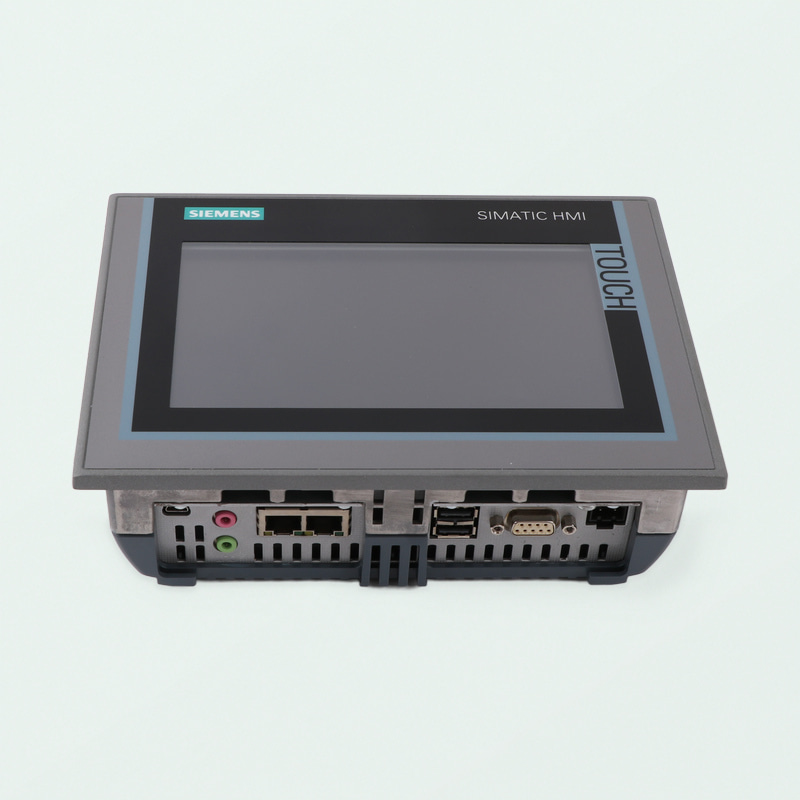
Siemens 6AV2124-0GC01-0AX0 is a TP700 Comfort touch HMI with a 7-inch 800 × 480 TFT display, 12 MB user memory, PROFINET and MPI/PROFIBUS DP interfaces. It supports machine operation, process visualization, alarms and recipes.
Version check: Confirm the TP700 Comfort order number, PROFINET or MPI/PROFIBUS connection and WinCC Comfort project/image version before replacement.
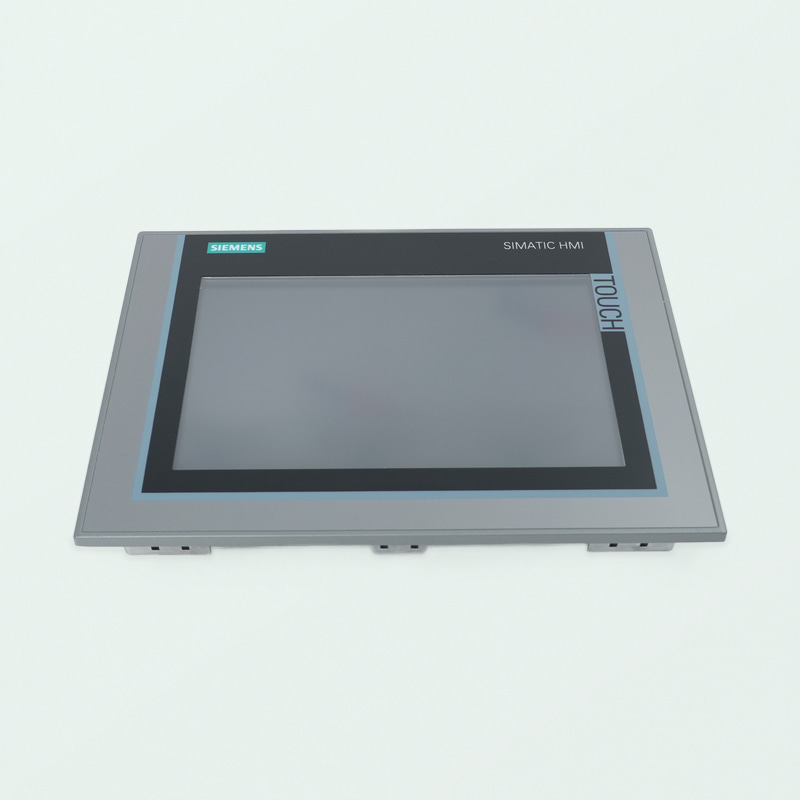
Siemens 6AV2124-0JC01-0AX0 is a TP900 Comfort touch HMI with a 9-inch 800 × 480 TFT display, 12 MB user memory, PROFINET and MPI/PROFIBUS DP interfaces. It supports machine operation, process visualization, alarms and recipes.
Version check: Confirm the TP900 Comfort order number, PROFINET or MPI/PROFIBUS connection and WinCC Comfort project/image version before replacement.
Siemens 6AV2124-0QC02-0AX0 is a TP1500 Comfort touch HMI with a 15.4-inch 1280 × 800 TFT display, 24 MB user memory, PROFINET and MPI/PROFIBUS DP interfaces. It supports machine operation, process visualization, alarms and recipes.
Version check: Confirm the 0AX0 suffix, installed Windows CE 6.0 image and WinCC Comfort project version before considering the 0AX1 successor.
Siemens 6AV2124-0QC02-0AX1 is a TP1500 Comfort touch HMI with a 15.4-inch 1280 × 800 TFT display, 24 MB user memory, PROFINET and MPI/PROFIBUS DP interfaces. It supports machine operation, process visualization, alarms and recipes.
Version check: Confirm the 0AX1 suffix and WEC 2013 panel image; check project support in WinCC Comfort V14 SP1 with HSP or later before replacement.
Siemens 6AV2124-1GC01-0AX0 is the SIMATIC HMI KP700 Comfort with a 7-inch widescreen TFT display and 24 illuminated function keys. This key-operated panel provides machine visualization, operator input and alarm handling through PROFINET and MPI/PROFIBUS DP connections.
Version check: Confirm the full order number, panel image and WinCC project version before replacement.
Siemens 6AV2124-1MC01-0AX0 is the SIMATIC HMI KP1200 Comfort with a 12.1-inch widescreen TFT display and 34 illuminated function keys. This key-operated panel provides machine visualization, operator input and alarm handling through PROFINET and MPI/PROFIBUS DP connections.
Version check: Confirm the full order number, panel image and WinCC project version before replacement.
Siemens 6AV3607-1JC20-0AX1 is the SIMATIC OP7/DP text operator panel for SIMATIC S7/M7 systems. Its LED-backlit LC display shows four lines of twenty characters, with eight function keys and a PPI/MPI/PROFIBUS DP interface supporting up to 1.5 Mbaud.
Version check: Confirm the OP7/DP version, existing controller connection and ProTool configuration before selecting a replacement.
leave a message
No online payment is requested. Final price and terms are supplied in a written quotation.